1
µLEVEL ANDROID SOFTWARE
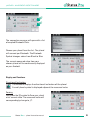
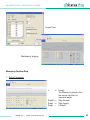
The connection manager will open with a list
of coupled Bluetooth Units:
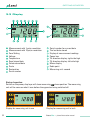
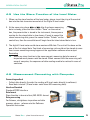
Choose your µLevel from the list . The µLevel
will connect per Bluetooth. The Bluetooth
Symbol changes colour from Black to Blue:
The current measured value from your
chosen µLevel will be continuously displayed
on your Android.
Display and Functions
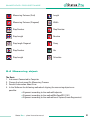
Direction of Inclination
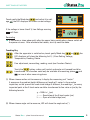
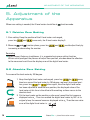
The Software displays the direction of inclination oft the µLevel.
A small µLevel symbol is displayed adjacent the measured value.
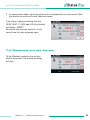
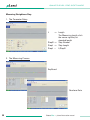
Zeroing
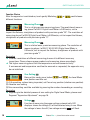
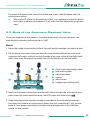
Just press the [0] symbol to Zero your µlevel
at ist current value. The measured value will
correspondingly change to „0“.
Status Pro – µLevel Instruction manual
21