1
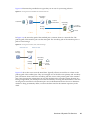
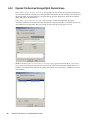
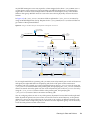
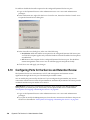
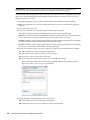
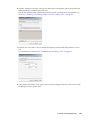
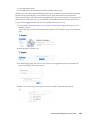
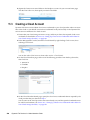
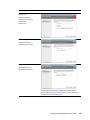
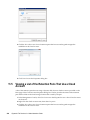
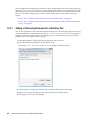
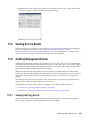
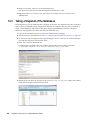
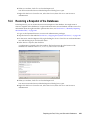
3 Right-click a pair, then select Properties. The Properties dialog box opens to the General tab. It reports the following information: Pair name Primary Type (the device type) Primary path Share name Secondary Type (the device type) Secondary path 4 Click the Policies tab to view a list of the policies that are currently associated with the pair. Select a policy to view information about it. You can also add and remove policies from the Associated policies list. 5 Click the Notification Review tab to specify a schedule for notifications to be sent. This requires that the Notification Service has already been configured. You must also have selected Review Events to be sent to an email address. Otherwise, notifications are not sent. 150 Dynamic File Services 2.2 Administration Guide