1
2
Checking Status
Checking Status
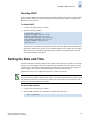
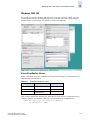
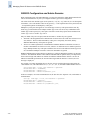
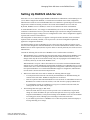
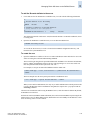
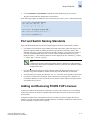
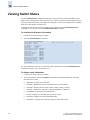
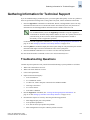
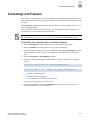
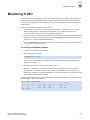
You can check the status of switch operation, high availability features, and fabric connectivity.
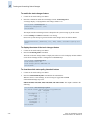
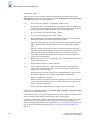
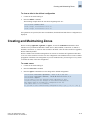
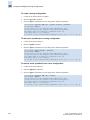
To check switch operation
1.
Connect to the switch and log in as admin.
2.
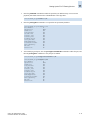
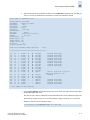
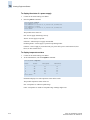
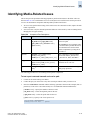
Enter the switchShow command at the command line. This command displays a switch summary
and a port summary.
3.
Check that the switch and ports are online.
4.
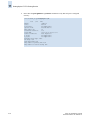
Use the switchStatusShow command to further check the status of the switch.
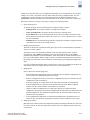
High Availability (HA) features provide maximum reliability and nondisruptive replacement of key
hardware and software modules. To verify these features, connect to the switch as admin and use any of
the following commands:
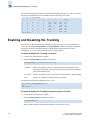
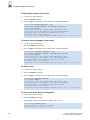
To verify High Availability features
1.
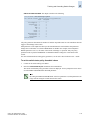
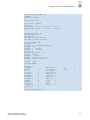
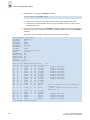
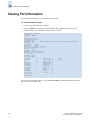
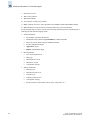
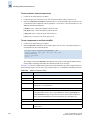
Enter the chassisShow command to verify the field replaceable units (FRUs).
SilkWorm directors:
-
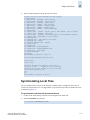
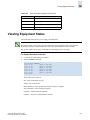
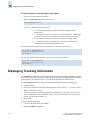
haShow verifies that HA is enabled, that the heartbeat is up, and that the HA state is
synchronized between the active and standby CP blades.
-
slotShow inventories and displays the current status of each slot in the system.
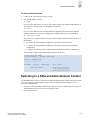
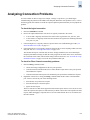
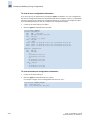
To verify fabric connectivity
1.
Connect to the switch and log in as admin.
2.
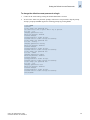
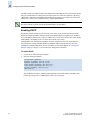
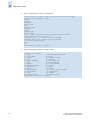
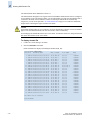
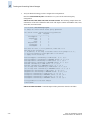
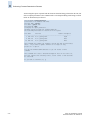
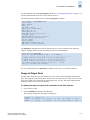
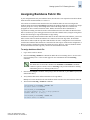
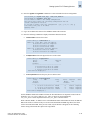
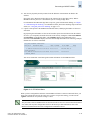
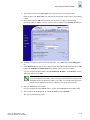
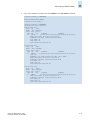
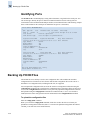
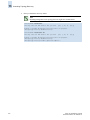
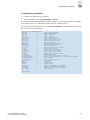
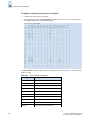
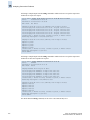
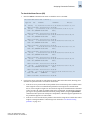
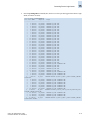
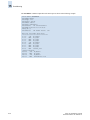
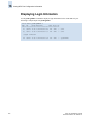
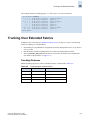
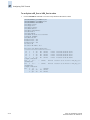
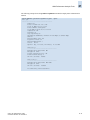
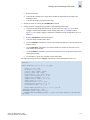
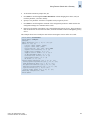
Enter the fabricShow command at the command line. This command displays a summary of all the
switches in the fabric.
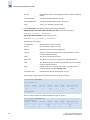
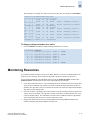
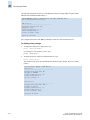
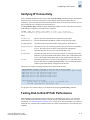
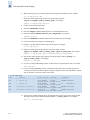
switch:admin> fabricshow
Switch ID
Worldwide Name
Enet IP Addr
FC IP Addr
Name
------------------------------------------------------------------------1: fffc01 10:00:00:60:69:80:04:5a 192.168.186.61 192.168.68.193 “switch61”
3: fffc03 10:00:00:60:69:10:9c:29 192.168.186.175 0.0.0.0
“switch175”
4: fffc04 10:00:00:60:69:12:14:b7 192.168.174.70 0.0.0.0
“switch70”
5: fffc05 10:00:00:60:69:45:68:04 192.168.144.121 0.0.0.0
“switch121”
6: fffc06 10:00:00:60:69:00:54:ea 192.168.174.79 192.168.68.197 “switch79”
7: fffc07 10:00:00:60:69:80:04:5b 192.168.186.62 192.168.68.194 “switch62”
8: fffc08 10:00:00:60:69:04:11:22 192.168.186.195 0.0.0.0
”switch195”
9: fffc09 10:00:00:60:69:10:92:04 192.168.189.197 192.168.68.198 “switch197”
10: fffc0a 10:00:00:60:69:50:05:47 192.168.189.181 192.168.68.181 “switch181”
11: fffc0b 10:00:00:60:69:00:54:e9 192.168.174.78 192.168.68.196 “switch78”
15: fffc0f 10:00:00:60:69:30:1e:16 192.168.174.73 0.0.0.0
“switch73”
33: fffc21 10:00:00:60:69:90:02:5e 192.168.144.120 0.0.0.0
“switch120”
44: fffc2c 10:00:00:60:69:c0:06:8d 192.168.144.121 0.0.0.0
“switch121”
97: fffc61 10:00:00:60:69:90:02:ed 192.168.144.123 0.0.0.0
“switch123”
98: fffc62 10:00:00:60:69:90:03:32 192.168.144.122 0.0.0.0
“switch122”
The Fabric has 15 switches
switch:admin>
2-24
Fabric OS Administrator’s Guide
Publication Number: 53-1000239-01