1
System Configuration
Creating IMx/MasCon Devices and Channels
Digital Channels
Digital Channels
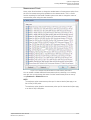
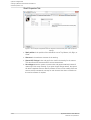
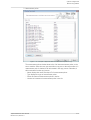
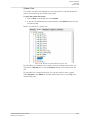
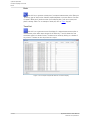
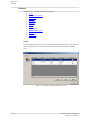
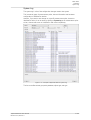
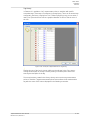
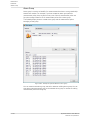
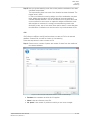
Digital channels interface provides a list of all the configured digital channels of the
selected device along with their settings. It also allows to initiate new digital channels
and edit, copy and delete any existing digital channel from the list.
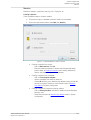
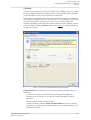
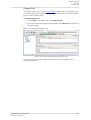
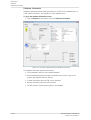
Initiating a Digital Channel
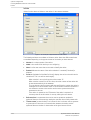
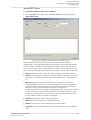
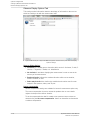
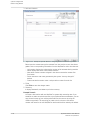
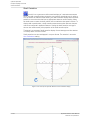
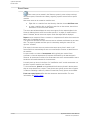
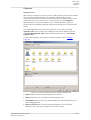
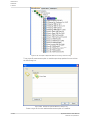
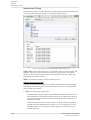
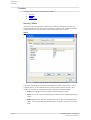
Select a device from the list of IMx/MasCon devices, then click on Initiate in the digital
channels window.
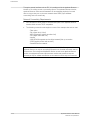
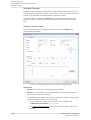
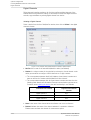
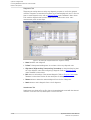
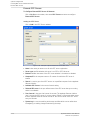
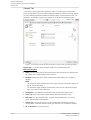
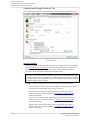
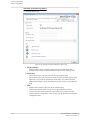
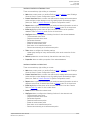
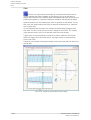
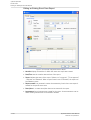
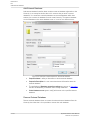
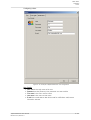
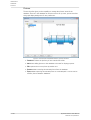
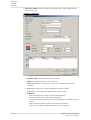
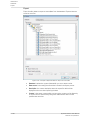
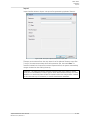
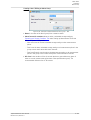
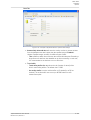
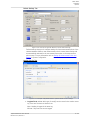
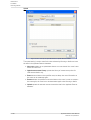
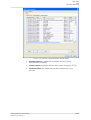
Figure 4-15: Example of @ptitude Observer initiate a digital channel
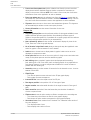
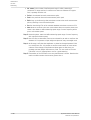
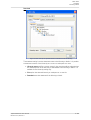
· MasCon is the name of the selected IMx/MasCon device (not editable).
· Number is a unique number for the physical input channel or virtual channel on the
device you would like to configure. Virtual channels are 3-digit numbers.
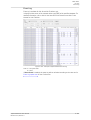
ü The correspondence between MasCon16 Modbus virtual channel numbers and
data can be found in "Modbus with IMx/MasCon16 User Manual".
ü The correspondence between IMx-M virtual channel numbers and data is as the
following table. Note that if this device's External communication type was set to
Protection when initiating the device, then this functionality is not available.
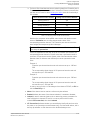
Protection Part Channel
Digital Virtual Channel
Number
Digital channel 1
101
¯
¯
Digital channel 8
108
Table 4-2: Mapping of IMx-M Protection part channels to digital virtual channels
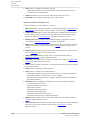
· Name is the name of the channel which the software can use as a reference.
· Enabled indicates the status of the channel whether it is enabled or disabled.
Enabled status activates the channel for measurement points.
4-34
@ptitude Observer User Manual
Observer 9.1, Revision J