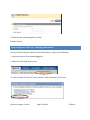
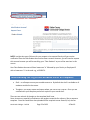
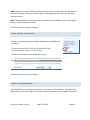
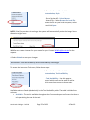
1
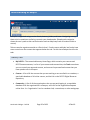
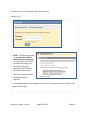
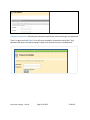
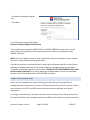
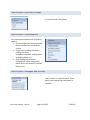
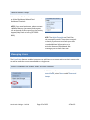
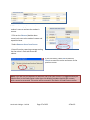
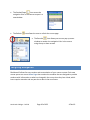
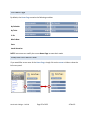
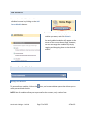
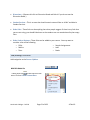
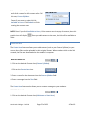
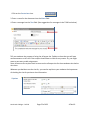
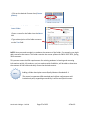
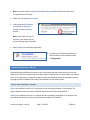
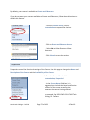
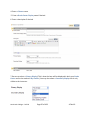
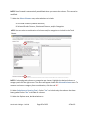
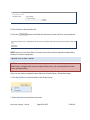
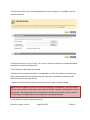
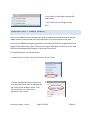
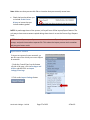
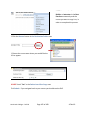
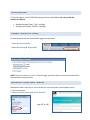
NOTE: You must be a Course Builder or Instructor in the Best Practices community and the course you want to copy it to, in order to complete this process. 5. Click the Browse button in the Destination Folder area. 6. Choose the course area where you would like the RLO to appear. DO NOT check "Yes” in the Delete Item After Copy area. Click Submit. If you navigate back to your course you should see the RLO. North Lake College – DCCCD Page 102 of 108 4‐Feb‐10