1
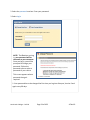
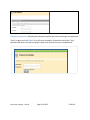
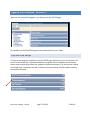
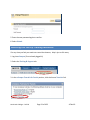
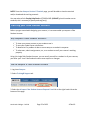
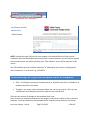
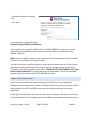
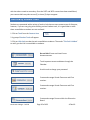
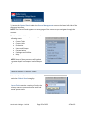
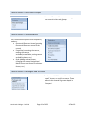
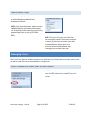
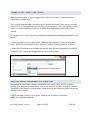
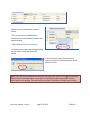
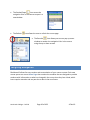
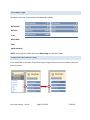
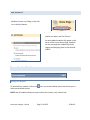
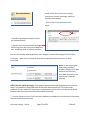
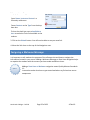
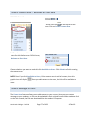
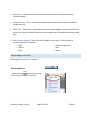
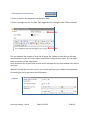
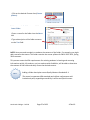
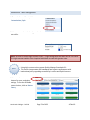
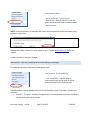
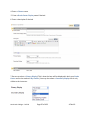
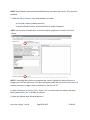
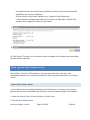
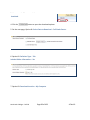
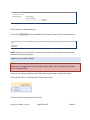
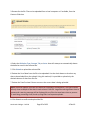
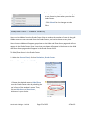
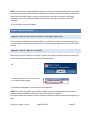
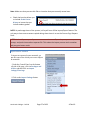
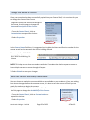
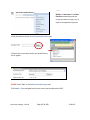
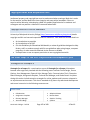
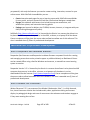
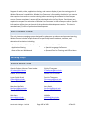
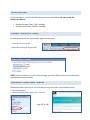
Note: You must select a Display After and Display Until date and time to ensure that the system works correctly. Check the Track Number of Views You may select All Students Individually or Groups of Students in the Recipients section. Note: If you select Groups of Students, you will be able to choose which groups to include. Select Submit to create the assignment. You will see a link like the example to the left when you successfully create an Assignment. Customizing the Course Allowing Guests and Observers access to the Course does not grant them access to all of the features in the Course. Access cannot be permitted to features that are restricted at the System level. As an Instructor, it is possible to permit Guest and Observer Access to individual features through the Edit Availability link under Customization on the Control Panel. Guest and Observer Access Guests are defined as users in a Course who do not directly participate in its activities. The System Administrator can allow or disallow Guests access to Courses by default Observers are defined as users in a Course who do not directly participate in its activities but who follow the actions of one or more Students enrolled in the Course. North Lake College – DCCCD Page 71 of 108 4‐Feb‐10