1
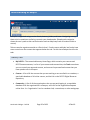
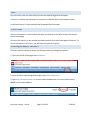
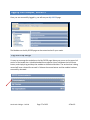
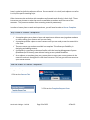
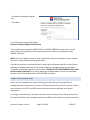
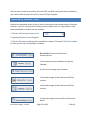
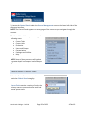
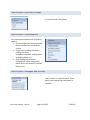
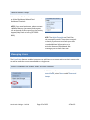
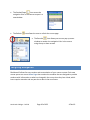
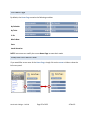
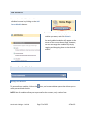
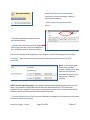
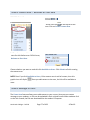
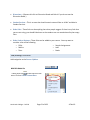
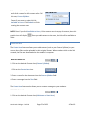
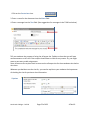
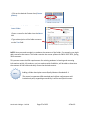
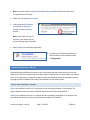
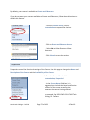
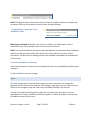
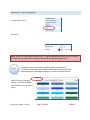
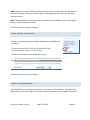
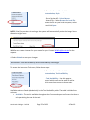
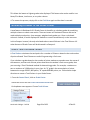
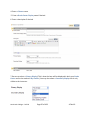
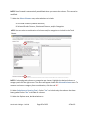
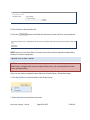
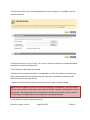
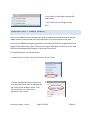
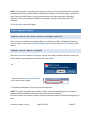
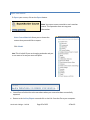
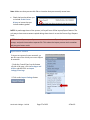
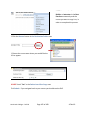
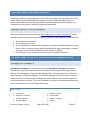
3. Locate the Control Panel under the Course Management area on the lower left side of the eCampus Interface. NOTE: The Control Panel appears on every page of the course as you navigate through the content. The Control Panel allows you to manage the following areas: Course Tools Course Links Evaluation Users and Groups Customization Packages and Utilities Help NOTE: Some of these areas we will explore in greater depth in eCampus I and eCampus II. Control Panel: Course Tools Select the Expand button to expand a particular Control Panel category. Course Tools contains a variety of tools, the primary ones are communication tools and course system tools. North Lake College – DCCCD Page 39 of 108 4‐Feb‐10