1
Run−time Environment
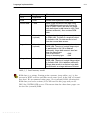
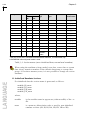
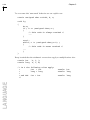
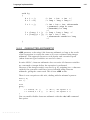
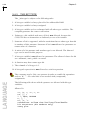
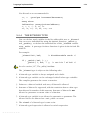
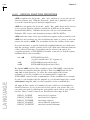
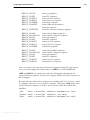
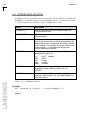
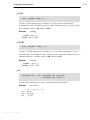
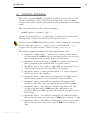
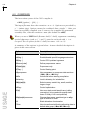
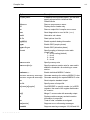
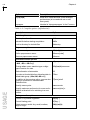
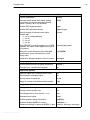
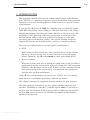
In the startup file the following preprocessor symbols are used (please also
review cstartx.asm or cstartx2.asm ):
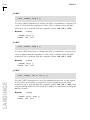
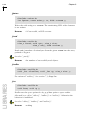
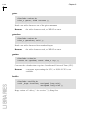
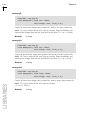
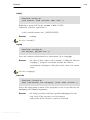
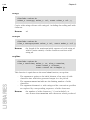
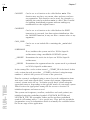
EX_AB
Must be enabled (set to 1) if the C library function exit() or
abort() is called by the application. Otherwise it must be
cleared (set to 0). Default cleared, because the total code
size is increased, due to assumptions about buffered file I/O,
which must be flushed at exit.
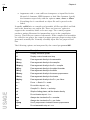
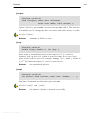
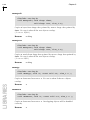
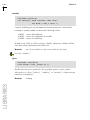
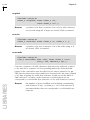
_EXT2
Must be enabled (set to 1) when a XC16x/Super10
architecture (ext2) needs to be initialized. It must be cleared
(set to 0) when a C16x/ST10 architecture needs to be
initialized.
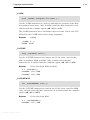
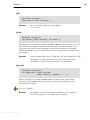
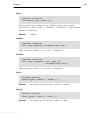
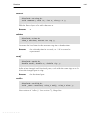
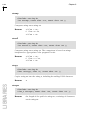
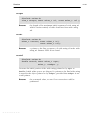
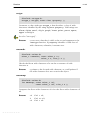
BIT_INIT
Must be enabled (set to 1) if initialized bit variables (bit b
= 1;) are used, so the initialization is done at startup.
Non−initialized bit variables are always set to 0. Default set to
0, because initialized bit variables are very seldom used and
rather expensive in both ROM space and execution time
during startup. Therefore, if possible, initialized bit variables
should be avoided.
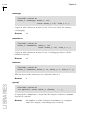
NOBITCLEAR
When set, skips clearing of the bitaddressable RAM.
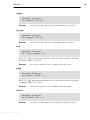
EVA
Must be enabled (set to 1) when using the ROM/RAM
monitor on evaluation boards as execution environment.
Needed to force the tiny model to execute with the CPU
segmentation enabled and to prevent the startup code to
clear the bit−addressable area, which contains monitor data.
It also starts the application with interrupts enabled and
provides CrossView Pro with information about the
configuration when the C167 is used. Default enabled.
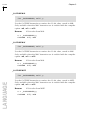
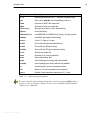
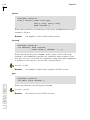
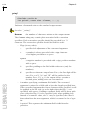
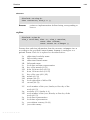
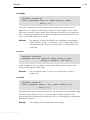
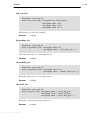
_CPU
Must be set when one of the following processoris used:
165−UTAH (165Utah), 167CS−40 (167CS40), SDA6000
(sda6000). Set the _CPU symbol to the appropriate value
mentioned between brackets. If none of these derivatives is
used then _CPU does not need to be set.
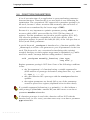
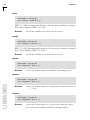
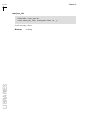
_USRSTACK
Must be enabled (set to 1) to support the user stack model.
Default disabled. See section 3.2.2, User Stack Model for more
details.
• • • • • • • •
7−5