1
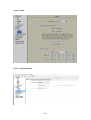
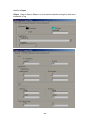
4.10.1.2 Calibrate Touch Screen
Path:
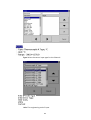
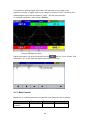
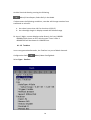
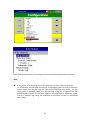
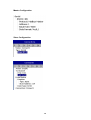
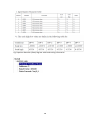
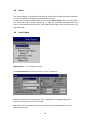
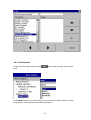
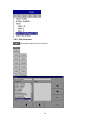
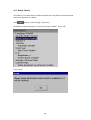
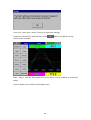
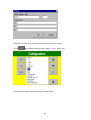
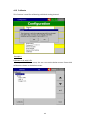
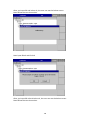
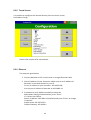
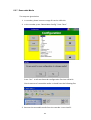
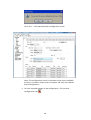
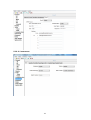
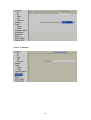
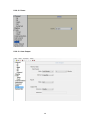
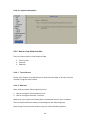
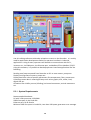
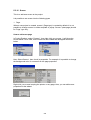
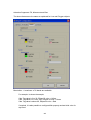
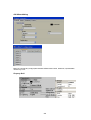
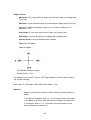
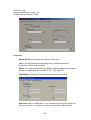
(Menu)-More-Config-System Information-Maintain
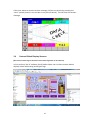
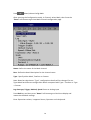
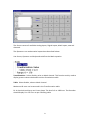
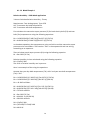
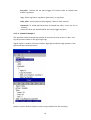
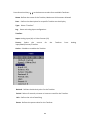
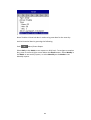
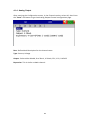
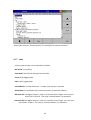
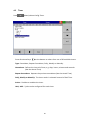
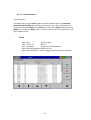
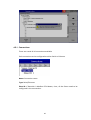
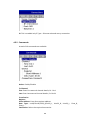
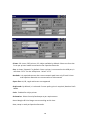
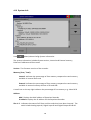
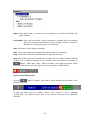
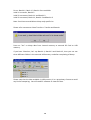
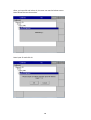
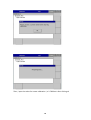
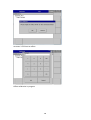
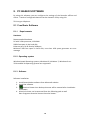
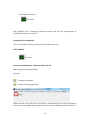
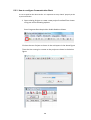
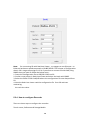
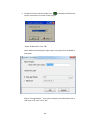
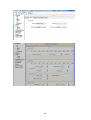
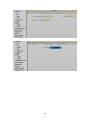
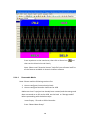
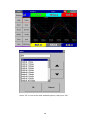
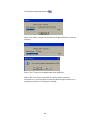
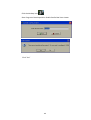
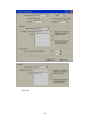
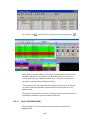
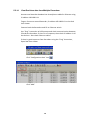
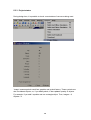
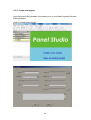
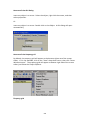
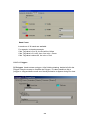
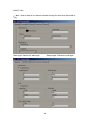
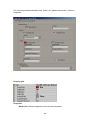
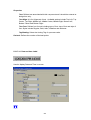
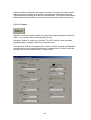
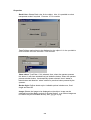
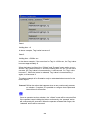
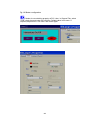
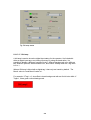
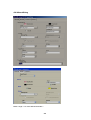
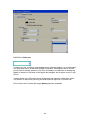
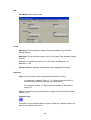
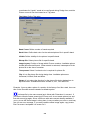
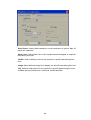
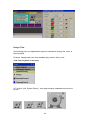
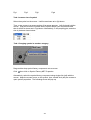
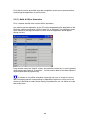
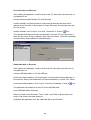
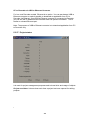
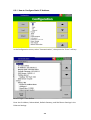
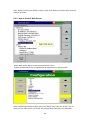
Maintain: The Maintain button is located at left lower side in System Info. page. It is
the button to upgrade the firmware and Calibrate touch screen in paperless recorder
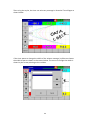
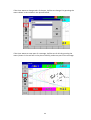
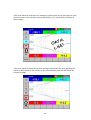
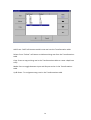
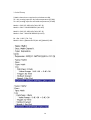
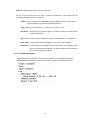
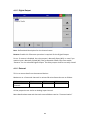
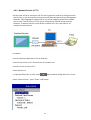
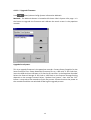
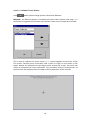
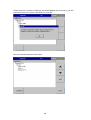
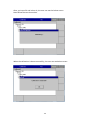
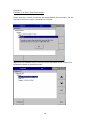
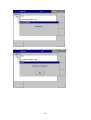
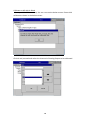
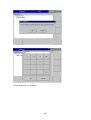
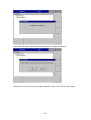
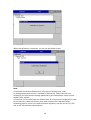
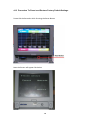
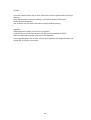
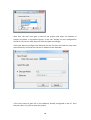
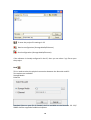
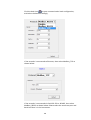
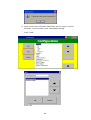
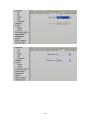
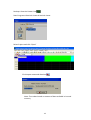
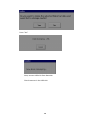
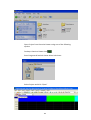
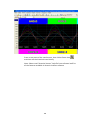
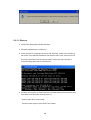
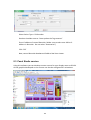
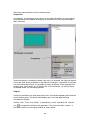
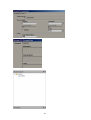
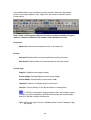
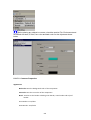
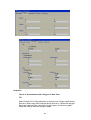
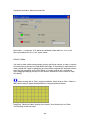
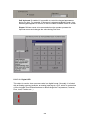
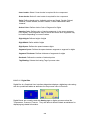
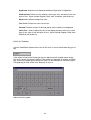
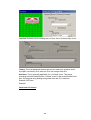
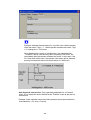
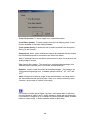
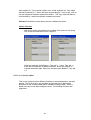
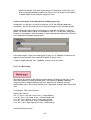
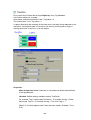
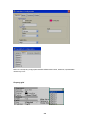
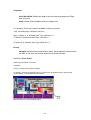
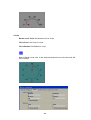
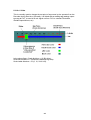
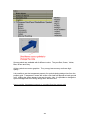
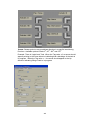
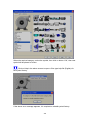
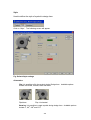
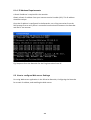
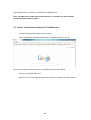
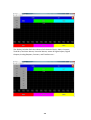
This is used to calibrate the touch screen. A “+” symbol appears in the center of the
LCD screen. Carefully press and briefly hold a stylus or finger on the center of the
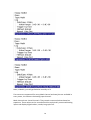
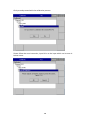
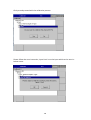
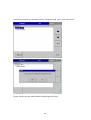
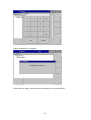
target. Repeat this procedure as the target moves around the screen. Just touch the
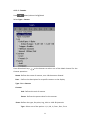
screen to complete the screen calibration. This procedure helps to locate pointer via
touch screen and properly select the objects during operation of the recorder
118