1
new password
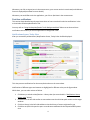
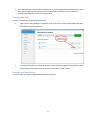
Once you log into the application, you will see the main elements of the user interface as follows
1. Main window
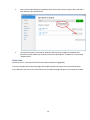
2. The marine-colored triangle icon in the tray:
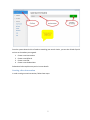
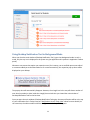
3. The context menu (displayed when you right click on the tray icon) with actions as follows
Whenever you minimize the main window of the application, it disappears. Only the tray icon indicates the
application is still running at this moment.
Whenever you would like to see the main window again, you click on Open ABE Desktop Tool item in the
context menu.
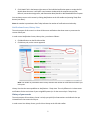
Sign in automatically and Auto-start when computer starts items are actually flags. They work exactly as the
respective checkboxes in Welcome screen (see above for more details).
3