1
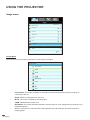
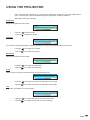
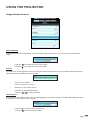
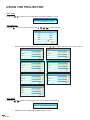
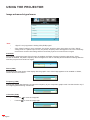
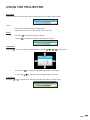
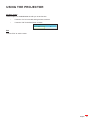
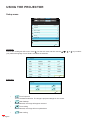
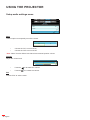
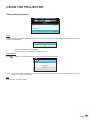
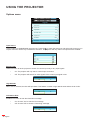
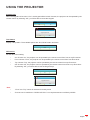
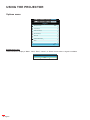
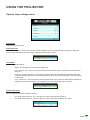
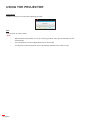
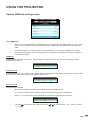
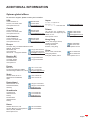
USING THE PROJECTOR 3D: To experience the 3D effect, you need to have 3D glasses. Make sure your PC/portable device has a 120 Hz signal output quad buffered graphics card and a 3D Player installed. User: Memorize user’s settings. Brightness Adjust the brightness of the image. Brightness Contrast Press the to darken image. Press the to lighten the image. Contrast The contrast controls the degree of difference between the lightest and darkest parts of the picture. Press the Press the Sharpness to decrease the contrast. to increase the contrast. Adjust the sharpness of the image. Sharpness Press the to decrease the sharpness. Press the to increase the sharpness. Color Adjust a video image from black and white to fully saturated color. Color Press the to decrease the amount of saturation in the image. Press the to increase the amount of saturation in the image. Tint Adjust the color balance of red and green. Tint Press the to increase the amount of green in the image. Press the to increase the amount of red in the image. English 29