1
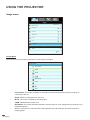
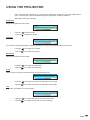
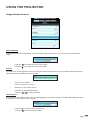
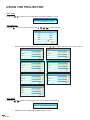
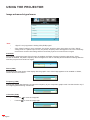
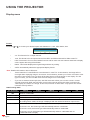
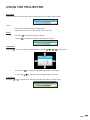
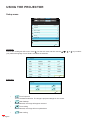
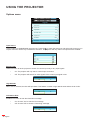
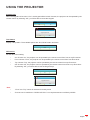
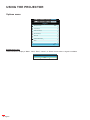
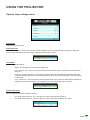
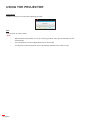
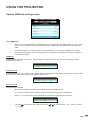
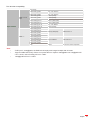
USING THE PROJECTOR Options HDMI link settings menu OPTIONS HDMI Link Settings HDMI Link Off Inclusive of TV Yes Power On Link Mutual Off Power Off Link Exit Using HDMI Link When you connect HDMI CEC-compatible devices to the projector with HDMI cables, you can control them on same Power On or Power Off status using the HDMI Link control feature on the projector’s OSD. This lets one device or multiple devices in a group Power On or Power Off via HDMI Link Feature. In a typical configuration, your DVD player may be connected to the projector through an amplifier or home theater system. HDMI Link Enable/Disable the HDMI Link function. The Inclusive TV, Power on Link, and Power off Link options will only available if the setting. HDMI Link Off On Inclusive of TV If the setting is set to “Yes”, both TV and projector will be automatically turned off at the same time. To prevent both devices to be turned off at the same time, set the setting to “No”. Inclusive of TV Yes No Power On Link CEC power on command: Mutual: Both projector and CEC device will be turned on simultaneously. PJ -> Device: The CEC device will be turned on only after the projector is switched on. Device -> PJ: The projector will be switched on only after the CEC device is turned on. Power On Link Mutual Press the into the next menu and then use the -> PJ” item. or to select “Mutual”, “PJ -> Device”, “Device English 51