1
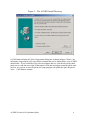
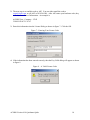
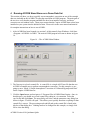
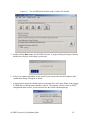
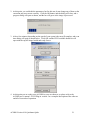
2. At this point, you could edit the parameters, but for this run, do not change any of them or the
correction may not execute correctly. Click the OK button, and the dialog will close, and a
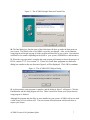
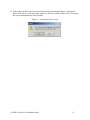
progress dialog will open as shown, and the bar will grow as the image is processed.
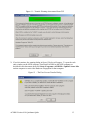
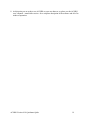
3. After a few minutes (depending on the speed of your system) the run will complete, and a run
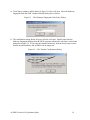
time dialog will open as shown below. Click OK and the ENVI available bands list will
open with the cup1rfl image loaded and ready for use.
4. At this point you are ready to use ACORN on your own data set, so please refer to the
ACORN user’s manual – ENVI Plug-in version - for a complete description of the software
and all of its modes of operation.
ACORN Version 4.10 Quickstart Quide
21