1
2.
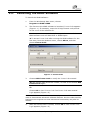
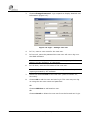
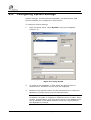
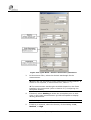
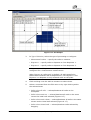
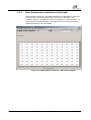
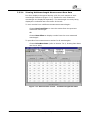
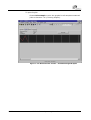
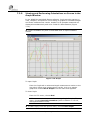
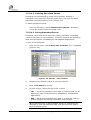
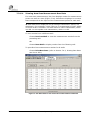
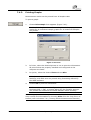
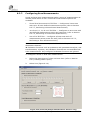
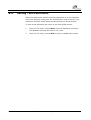
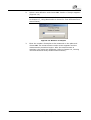
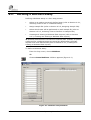
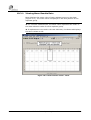
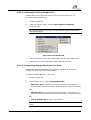
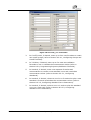
Choose Start to begin reading the plate. When the measurement is
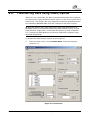
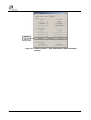
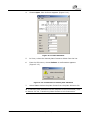
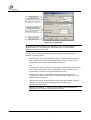
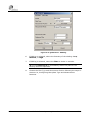
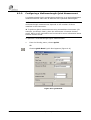
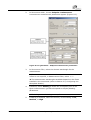
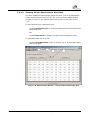
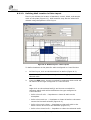
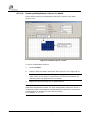
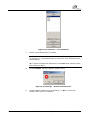
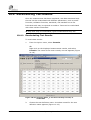
complete, Plate-ID appears (Figure 6-19).
ÎTo stop a measurement in progress before it completes, choose
STOP Measurement.
OR
Choose Cancel to return to the ADAP software main screen without
performing the measurement.
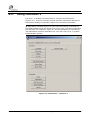
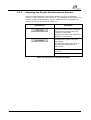
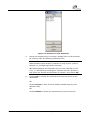
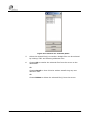
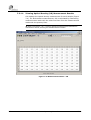
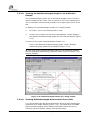
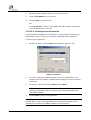
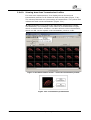
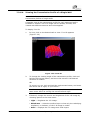
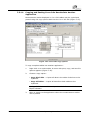
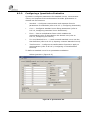
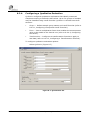
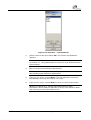
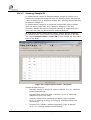
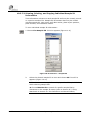
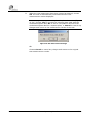
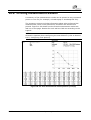
Figure 6-19: Plate-ID
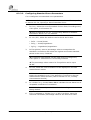
3.
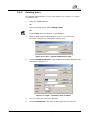
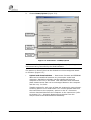
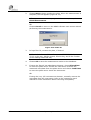
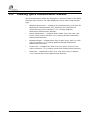
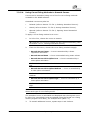
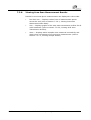
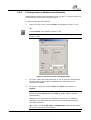
In Input Plate-ID, rename the plate, if desired.
Î The default format of Plate-ID names is YYYYMMDD-N, where
YYYY is the year, MM the month, DD the day, and N the number
of the reading made that day.
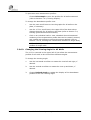
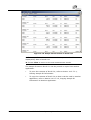
4.
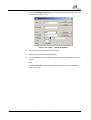
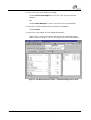
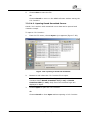
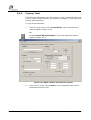
Choose OK to save the measurement results to the database.
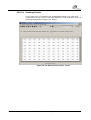
5.
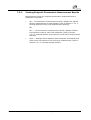
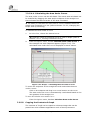
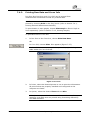
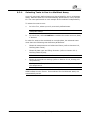
If using the Zenyth 340 absorbance detector, choose Eject Plate
to move the plate carrier outside the instrument. Remove the
measured microplate from the plate carrier and choose Load Plate
to move the plate carrier inside the instrument.
OR
If using the Lucy 2/3 luminescence detector, manually remove the
microplate from the instrument (refer to the instrument user’s
manual for more information about removing microplates).
6-34
ADAP Software Operating Manual
ADAP