1
Transposing
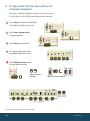
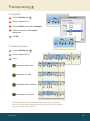
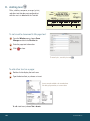
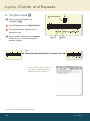
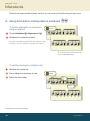
To transpose:
1
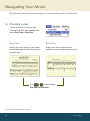
Click the Selection tool
.
2
Select a region of music.
3
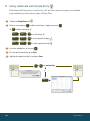
From the Utilities menu, choose Transpose.
4
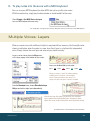
Select the interval from the Interval
popup menu.
5
Click OK.
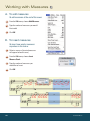
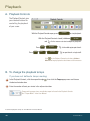
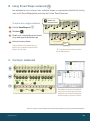
To quickly transpose:
1
Click the Selection tool
2
Select a region of music.
3
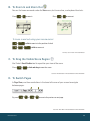
Press...
.
6
to transpose down a step.
7
to transpose up a step.
8
to transpose down an octave.
9
to transpose up an octave.
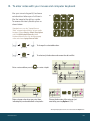
This method transposes the music diatonically within the key signature. To change
the key, use the Selection tool context menu or the Key Signature tool. To configure
a transposing staff, use the Staff tool.
MACINTOSH
21