1
Registering Administrators
Registering Administrators
Note
It is recommended that two or more administrators be registered. If one administrator fails to
log in due to erroneous input of the password, the other administrator can fix the registration.
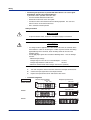
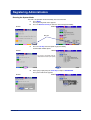
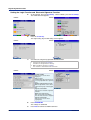
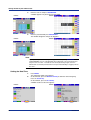
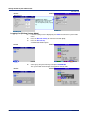
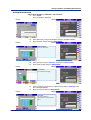
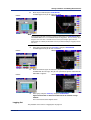
10. Press the #2 soft key.
The administrator setup screen appears.
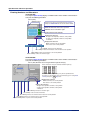
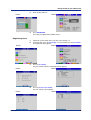
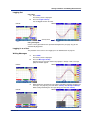
11. Set each item.
DX100P
DX200P
Login method
Key: Key operation
Key+Com: Key operation and
via communications
Number: 1 to 3
User name: Up to 20 characters
User ID: Up to 8 characters
Password
??????: Set to the default password as defined by the DXP. The
password cannot be changed.
Password expired
After a specified time elapses,
the administrator will be requested to change the password.
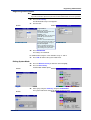
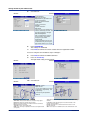
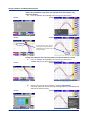
12. Press DISP/ENTER.
The settings are confirmed.
Set administrators using the same method as steps 11 and 12.
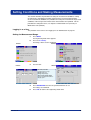
13. Press ESC to return to the system mode menu.
Exiting System Mode
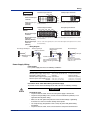
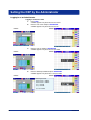
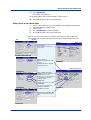
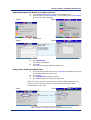
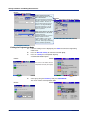
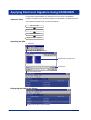
14. Press the Next #/# soft key to show the menu with [End].
15. Press the End soft key.
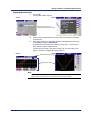
A confirmation window opens.
DX100P
DX200P
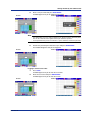
16. Select [Yes] using the arrow keys and press DISP/ENTER.
The system mode ends and you are logged out from the DXP.
DX100P
IM 04L05A01-02E
DX200P
19