1
Cedar User Manual
Edit
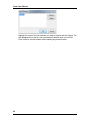
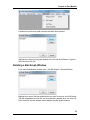
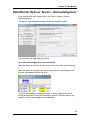
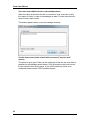
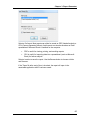
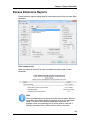
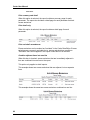
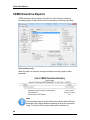
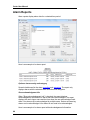
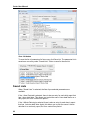
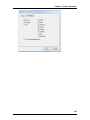
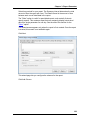
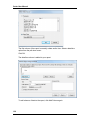
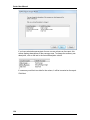
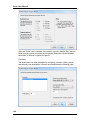
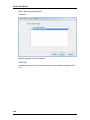
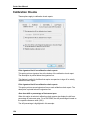
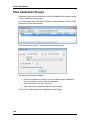
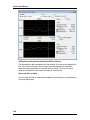
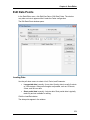
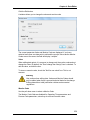
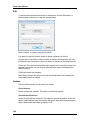
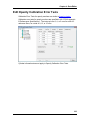
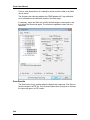
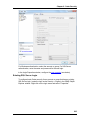
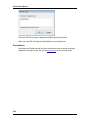
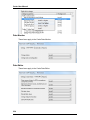
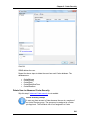
To edit the selected excess emissions or downtimes, click the Edit button. A
window opens to allow you to edit the selected items.
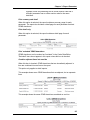
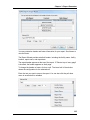
Enter a reason, or select a reason from the list.
If an action is required, enter a reason or select a reason from the list.
Use the Add To List button to add a reason or action to the drop-down list. Use
the Delete From List button to remove a reason or action from the drop-down list.
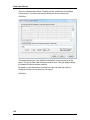
Check the "This item can be excluded from reports" box to prevent the item from
appearing on reports. An item may be excluded from reports if allowed by the
source's permit.
Click Save to save the changes.
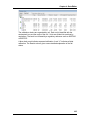
Alternatively, reason text, action text, and the exclude status can be edited for
single items directly in the grid.
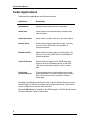
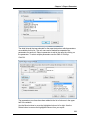
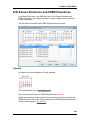
Options
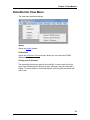
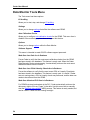
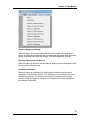
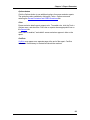
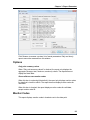
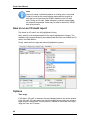
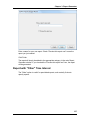
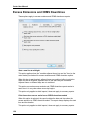
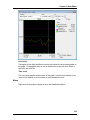
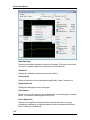
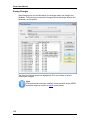
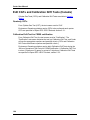
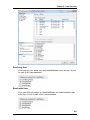
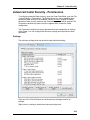
Click the Options button to see a menu of options.
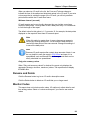
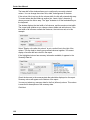
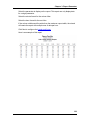
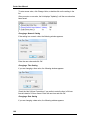
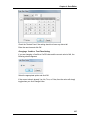
Show Calendar
Shows or hides the calendar. This option is selected by default.
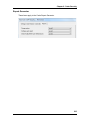
Show Excess Emissions
Shows or hides excess emissions. This option is selected by default. When this
option is not selected, days the calendar will ignore days with excess emissions
when it determines which days to display in red.
184