1
Cedar User Manual
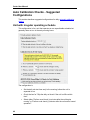
Manually add a CGA or Linearity Check
For many CEMS, a user pushes a button to initiate a CGA or linearity check and
the CEMS automatically injects the reference gases. Cedar then acquires the
gas injection data from the CEMS. This is the easiest and most common way that
Cedar acquires CGA and linearity check data.
If Cedar cannot automatically acquire the CGA or linearity check data, you can
manually add a new check.
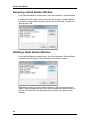
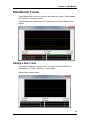
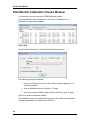
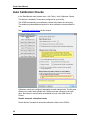
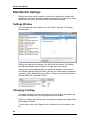
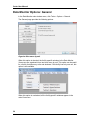
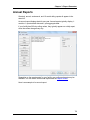
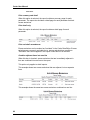
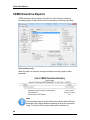
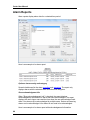
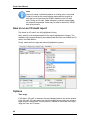
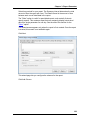
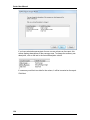
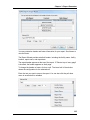
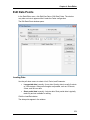
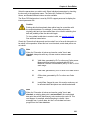
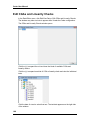
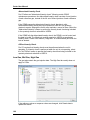
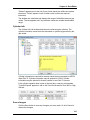
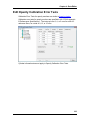
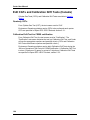
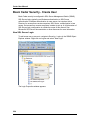
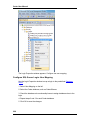
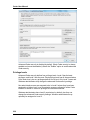
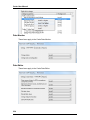
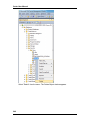
Click the book icon for the kind of CGA or linearity check that you need to create.
Then click the New CGA or New Linearity Check button.
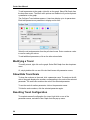
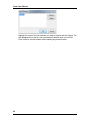
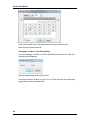
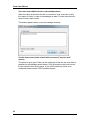
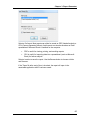
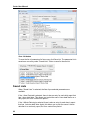
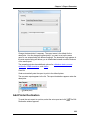
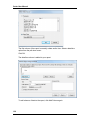
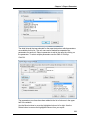
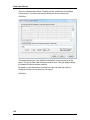
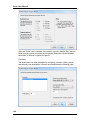
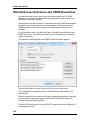
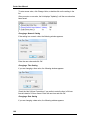
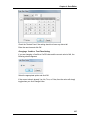
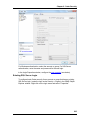
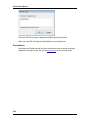
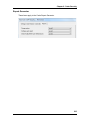
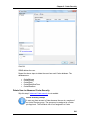
A window allows you to select the date of the new CGA or linearity check. Then
Cedar creates the new check and you can enter the data.
Delete a CGA or Linearity Check
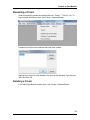
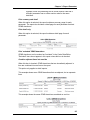
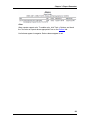
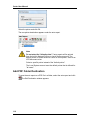
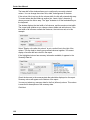
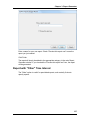
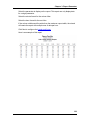
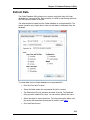
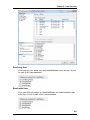
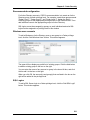
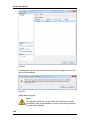
To delete an unneeded CGA or linearity check, select the test date in the tree
and press the Del (Delete) key. A message box asks you to confirm that you
want to delete the test.
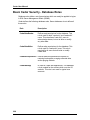
Warning
Use caution when deleting a CGA or linearity check. Environmental
regulations (including 40 CFR 75) require that all CGAs or linearity
checks that affect data validity must be reported.
192