1
Cedar User Manual
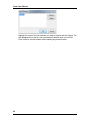
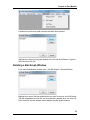
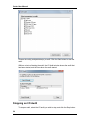
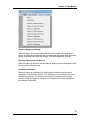
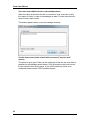
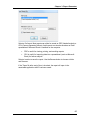
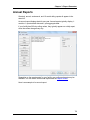
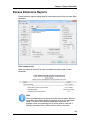
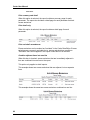
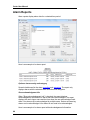
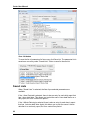
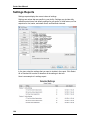
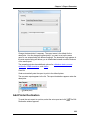
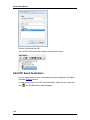
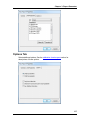
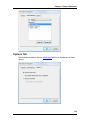
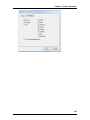
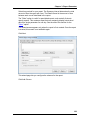
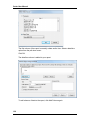
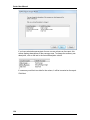
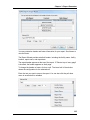
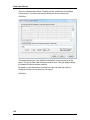
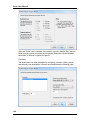
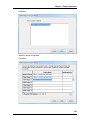
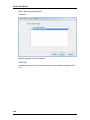
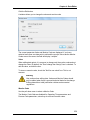
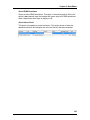
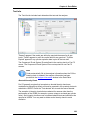
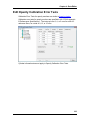
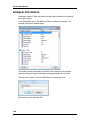
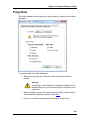
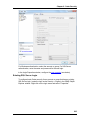
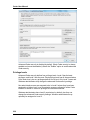
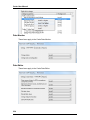
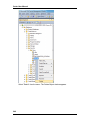
Select the printer and click OK.
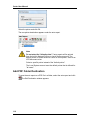
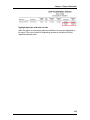
The new printer destination appears under the auto report.
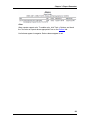
Note
Do not select the "default printer" if auto reports will be printed
from the built-in Network Service or Local Service accounts. The
default printer for these accounts is often a virtual printer, such as an
XPS document writer.
Select a specific printer instead of the "default printer".
The Local System account uses the default printer that is defined for
"all users".
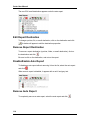
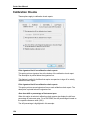
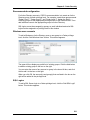
Add PDF Folder Destination
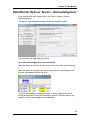
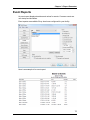
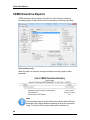
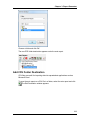
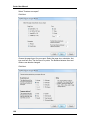
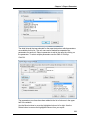
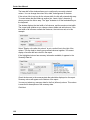
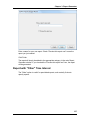
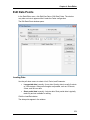
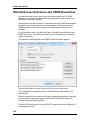
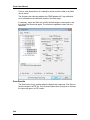
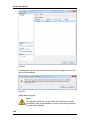
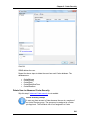
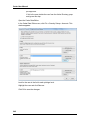
To save the auto report as a PDF file in a folder, select the auto report and click
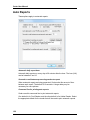
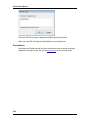
. The Edit Destination window appears.
110