1
Cedar User Manual
Report Comments
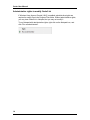
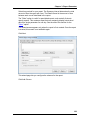
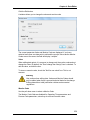
Users can optionally enter comments that appear on the bottom of a report.
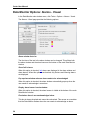
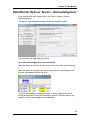
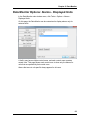
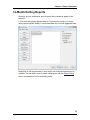
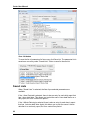
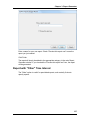
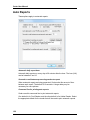
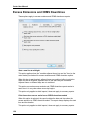
To enable this feature, click the Tools > Options menu in the main Report
Generator window. Select the General tab, and check the 'Allow me to enter a
comment for each report' box.
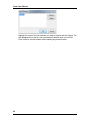
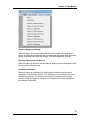
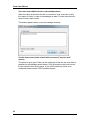
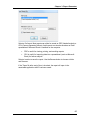
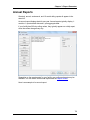
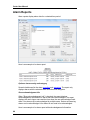
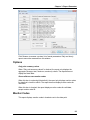
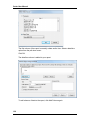
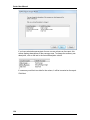
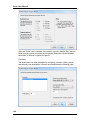
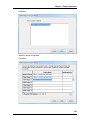
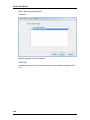
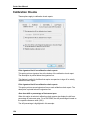
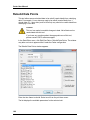
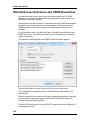
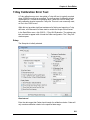
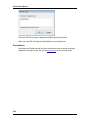
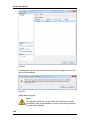
When this feature is enabled, a window appears when the Print or Preview
buttons are clicked.
Enter a comment, and click OK.
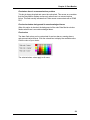
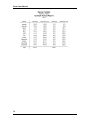
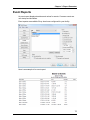
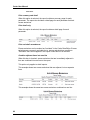
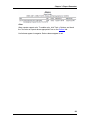
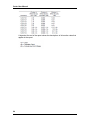
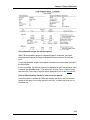
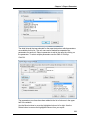
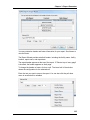
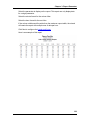
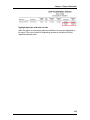
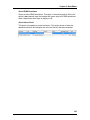
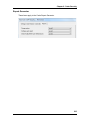
Here is an example of a comment on a report.
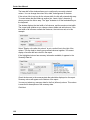
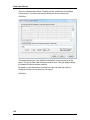
To create the report with no comment, click the "OK (No Comment)" button.
To disable the comment feature, click the "Don't ask me for a comment again"
box. Or, disable it in the General tab in the Options window.
106