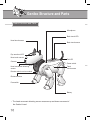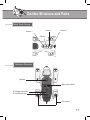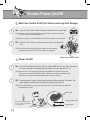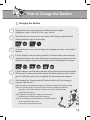
1
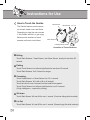
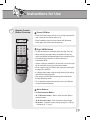
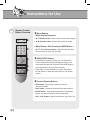
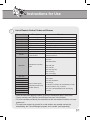
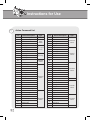
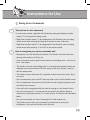
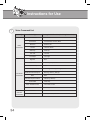
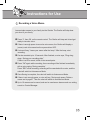
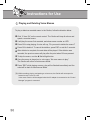
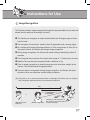
Instructions for Use 4 Remote Control Button Overview Power Off/ Mute • Press the Power button twice in a row or keep it pressed for over 3 seconds, the Genibo will turn off. • Press the Mute button once; the Genibo will fall asleep. Press again, the Genibo will sleep quietly. Digit / MENU Button • To give the Genibo a command, press any digit, then OK. • When pressing any digit button, the Genibo will stop its action and display the selected digit on eye emoticon LEDs. • If pressed wrong, press ESC to cancel and return to Autonomous Mode. • Unless a button is pressed for 10 seconds or more, all input will be canceled, returning to Autonomous Mode. • Once a digit is input, the Genibo will respond to nothing but the digit, OK, and ESC. • If charging starts while a digit is being entered, input will be canceled and charging begin. • Run various functions while receiving voice instructions through the Menu button. • To run provided contents and actions, see ‘List of Remote Control Codes and Dances.” Move Buttons: < in Autonomous Mode > • / Direction button : Walk or crawl forward. Walk or crawl backward. • / Direction button : Switch directions left and right. • OK button : Progressive pose change (Lying flat Sitting Standing up : 1 Cycle) 29