1
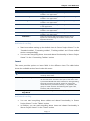
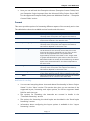
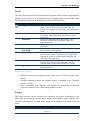
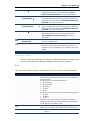
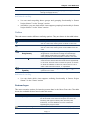
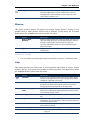
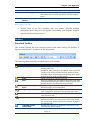
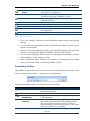
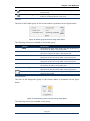
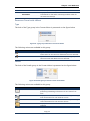
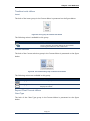
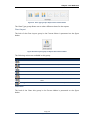
Chapter : User Reference Custom Currency options Use this section to set options for currency formatting. Currency options are local settings and apply only to the active project. Symbol – Specifies the currency symbol. By default, the currency symbol is $. Decimal digits – Specifies the number of digits after the decimal. The default setting is 2. Placement – Specifies the position the currency symbol occupies. The default setting is $1, with the symbol just before amount. Currency – Specifies the currency name. By default, the field for currency is empty Custom Outline options Use this section to specify outlining options. Outline options are local settings and apply only to the active project. Indent name – Indents the names of subtasks in the Task Name column. Indenting subtasks lets you quickly see the outline of your project. By default, this check box is selected. Show outline symbol – Displays outline symbols next to each task name. Project shows a plus sign next to rolled-up summary tasks and a minus sign next to summary tasks showing their subtasks. By default, this check box is selected. Show outline number – Displays the outline number next to each task name. By default, this check box is cleared. Custom Time units options This section sets the default labels that Seavus Project Viewer™ uses to indicate time units. Minutes – Sets the label for minutes. The default setting is min. Hours – Sets the label for hours. The default setting is hr. Days – Sets the label for days. The default setting is day. Weeks – Sets the label for weeks. The default setting is wk. Months – Sets the label for months. The default setting is mon. Years – Sets the label for years. The default setting for this check box is yr. Add space before label – Adds a space between numbers and time unit labels. By default, this check box is selected. Show that tasks have estimated durations – Adds a question mark (?) next to the time unit of the duration field if the task duration is marked as estimated Page | 146 Seavus Project Viewer User Manual