1
Project Management
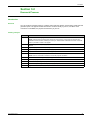
Upgrading Firmware and Language Files - FDM121
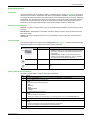
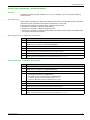
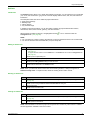
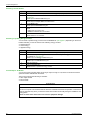
You can upgrade the language file along with firmware upgrade.
Step
Action
1
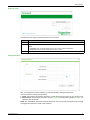
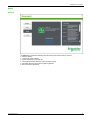
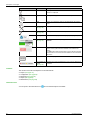
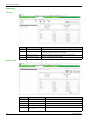
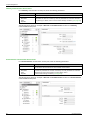
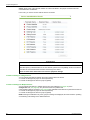
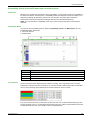
Click Front Display Module 121 in the Firmware Upgrade list.
2
You can select:
z Update firmware to update only firmware
z Update language to update only language file
z Update all to update both firmware and language file
3
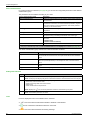
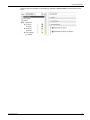
You have an option to download only the firmware or language file into FDM121. You can also download both
language file and the new firmware together using the Update all option.
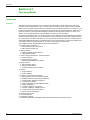
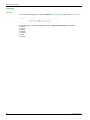
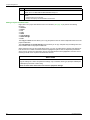
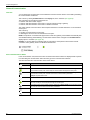
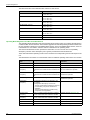
The FDM121 displays the IMU information in 10 languages:
z Five fixed default languages
z Five optional languages
The five default languages are:
z Chinese
z English UK
z English US
z French
z Spanish
102
4
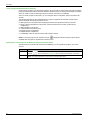
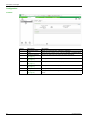
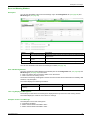
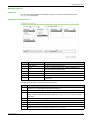
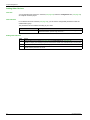
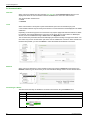
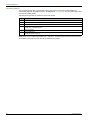
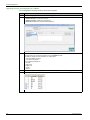
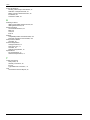
You can add five optional languages and define their order of appearance in the Language menu of FDM121.
5
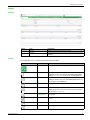
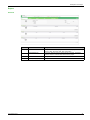
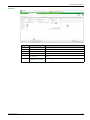
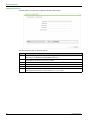
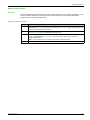
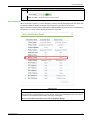
You can view the configuration of the language menu:
DOCA0069EN 09/2014