1
Configuration
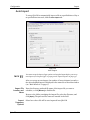
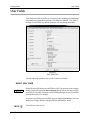
CubiScan
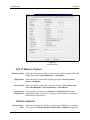
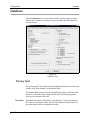
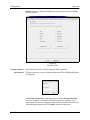
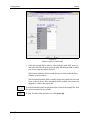
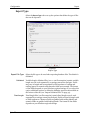
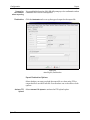
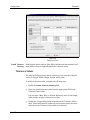
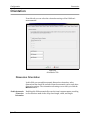
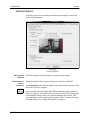
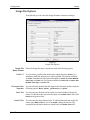
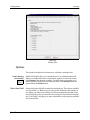
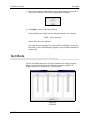
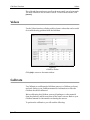
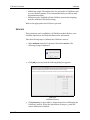
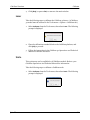
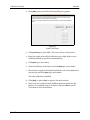
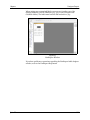
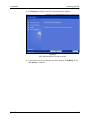
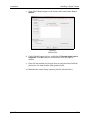
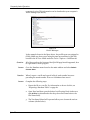
Figure 9
CubiScan Tab
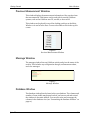
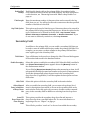
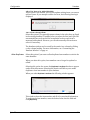
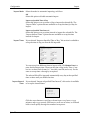
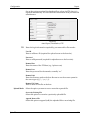
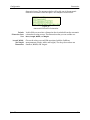
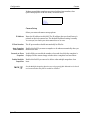
Unit of Measure Options
Dimension Units
Weight Units
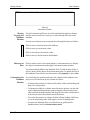
Select the measurement units you want used to measure length, width, and
height dimensions: Inches, Millimeters, or Centimeters.
Select the units you want used for package weights: Ounces, Pounds,
Grams, or Kilograms.
Volume Units
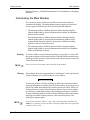
Select the units you want used to measure volume: Cubic Inches, Cubic
Feet, Cubic Millimeters, Cubic Centimeters, or Cubic Meters.
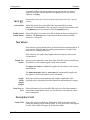
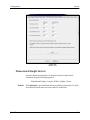
Dimensional
Weight Units
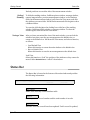
Select whether you want to use Domestic or International dimensional
weight units. Refer to “Factors” on page 50 for information on setting up
dimensional weight factors.
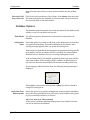
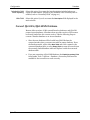
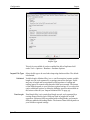
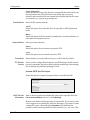
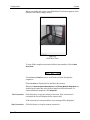
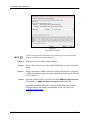
CubiScan Options
Communication
Ports
Qbit-DB
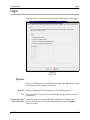
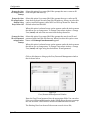
Select which method you will use to connect your CubiScan to a computer.
The options are: RS232 Serial Port, Network Port, or USB Port (depending
18