1
Toro TriComm™ User Guide
Upload Page
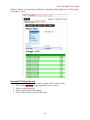
This Page provides capability to Upload configuration and programming information from the
target controller.
Note: It is important to do an upload when a controller is first brought online, before
commencing programming changes through the TriComm interface. This allows the system to
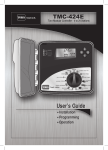
know the capabilities of and modules installed within the TMC-424E controller.
Upload options are broken down into specific sections to minimize data transmission (and costs)
by only uploaded the information currently required.
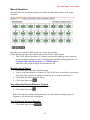
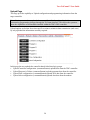
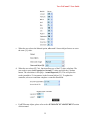
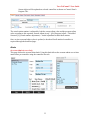
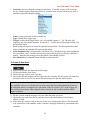
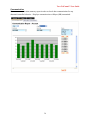
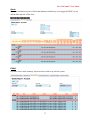
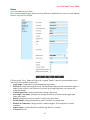
In this page the user uploads the controller data divided into logic groups.
y Upload Controller configuration: (command button) uploads data from the TMC controller.
y Upload Program A-D data: (command button) uploads programs data from the controller.
y Upload Flow configuration: (command button) uploads flow data from the controller.
y Upload Alert configuration: (command button) uploads alert data from the modem.
28