1
OmniSTAR 5220HP User Manual
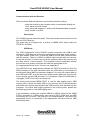
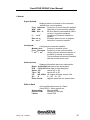
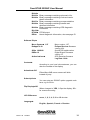
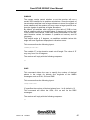
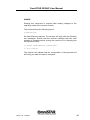
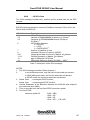
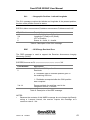
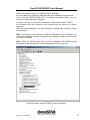
Config WizardD
Proceed WizardD
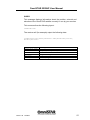
You can use the wizard to setup different
outputs and differential sources for your
receiver
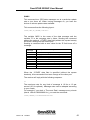
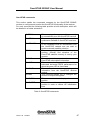
Create NewI
Enter NameI XXX name (use Keys till end)
DiffISBAS
Differential source
Data PORT AI
output of port A
Data PORT BI
output of port B
Elev MaskI
Elevation mask GPS
MaxDGPSAgI
Age limit for correction data
PORT A I
baud rate port A
PORT B I
baud rate port B
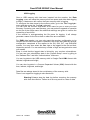
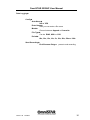
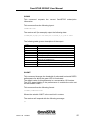
Save to Location There are 5 places to store
a configuration
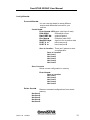
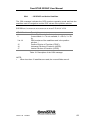
Save to Location
Not Used1
Not Used2
Not Used3
Not Used4
Not Used5
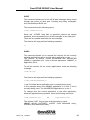
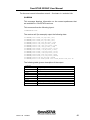
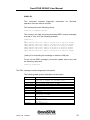
Save CurrentD
Saves current configuration in memory
Enter NameI
Save to Location
Not Used1
Not Used2
Not Used3
Not Used4
Not Used5
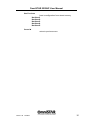
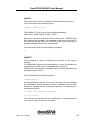
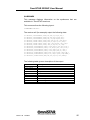
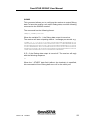
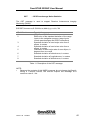
Delete SavedD
Remove unwanted configurations from stored
memory
Not Used1
Not Used2
Not Used3
Not Used4
Not Used5
Issue 1.32 12/2010
31