1
OmniSTAR 5220HP User Manual
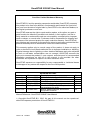
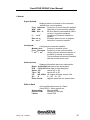
Basic commands
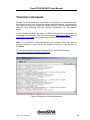
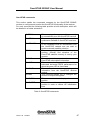
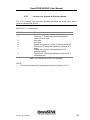
This section details the basic terminal commands and messages.
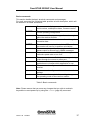
For each command the following table provides a brief description, which will
be detailed in a further subsection.
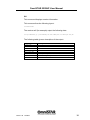
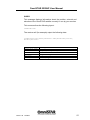
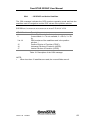
$JI
This command displays receiver information e.g.
serial number, subscription dates, firmware version
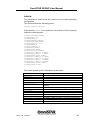
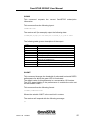
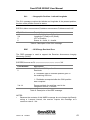
$JSHOW
This command is used to poll the receiver for the
current operating configuration
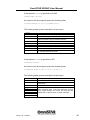
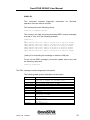
$JT
This command displays the type of receiver engine
within the receiver module
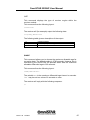
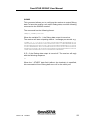
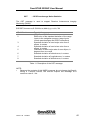
$JAGE
This command sets the maximum allowable age for
correction data
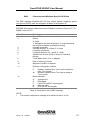
$JMASK
This command controls which of the GPS satellites
the receiver will use for its position calculations
$JNP
This command specifies the number of decimal
places output for lat and lon in NMEA messages
$JASC
This command turns on GPS data messages at a
particular update rate or turn it off
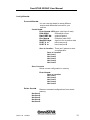
$JOFF
This command turns off all data messages being
output through the current or other port
$JAPP
This command requests the currently installed
applications or chooses which application to use
$JBAUD
This command configures the baud rates of the
receiver
$JRESET
This command configures the receiver to default
settings
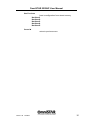
$JSAVE
This command is required after making changes to
the operating mode of the receiver module
Table 2: Basic commands
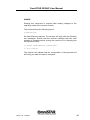
Note: Please ensure that you save any changes that you wish to maintain
beyond the current power-up by using the $JSAVE (page 46) command.
Issue 1.32 12/2010
37