1
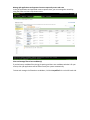
Change Account
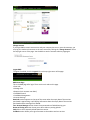
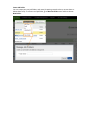
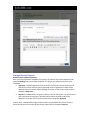
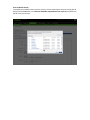
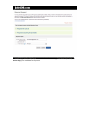
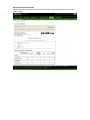
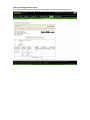
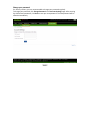
If you login RMS as a main account user and your company has one or more sub-accounts, you
may log into another sub-account or the main account by clicking the “Change Account” link on
the top right corner of the page. You should then see the account selection page again:
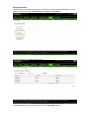
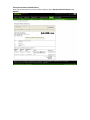
Logout RMS
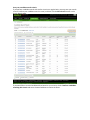
To logout from RMS, click the Logout link on the top right corner of the page:
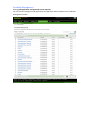
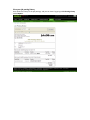
RMS Home Page
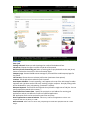
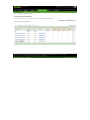
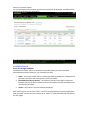
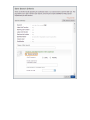
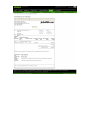
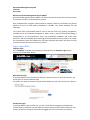
This is the RMS page after login. There are six main tabs on this page.
• Post Jobs
• Manage Jobs
• Reports (main account user ONLY)
• Candidate Search
• Candidate Management
• Account Settings
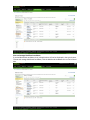
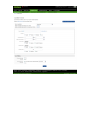
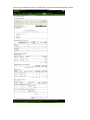
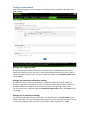
Reminder section appears on the top of the screen when the expiry date of the services
purchased is approaching. It will display information about the expiry date of the services
purchased and the message from JobsDB.
Your Account Manager section shows the representative of JobsDB serving you.
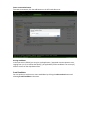
Demo on Placing Ad section shows you a demo video on posting job ads.
FAQs links to the Frequently Asked Questions section.
Feedback section allows you to give comment on the website and our services.