1
3 Working with your basic applications
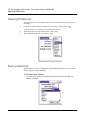
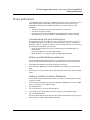
Purging records
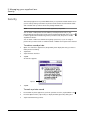
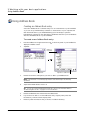
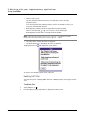
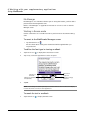
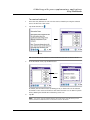
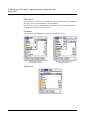
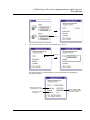
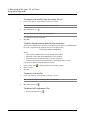
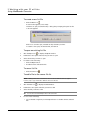
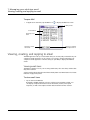
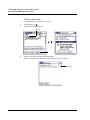
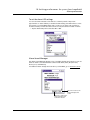
To purge records
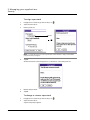
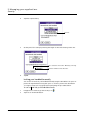
1
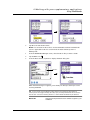
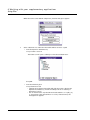
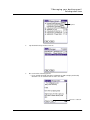
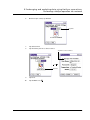
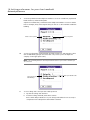
Open the application from which you want to purge records.
2
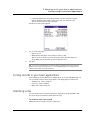
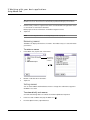
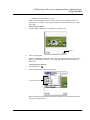
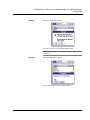
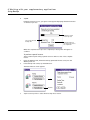
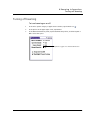
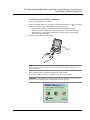
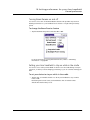
Tap the Menu icon
, open the Record menu, and then tap Purge.
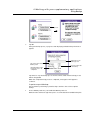
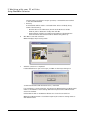
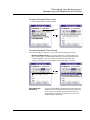
A confirmation dialog box appears.
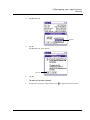
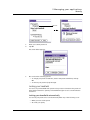
3
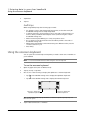
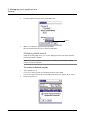
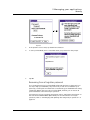
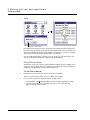
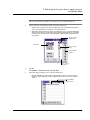
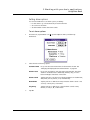
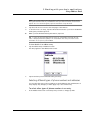
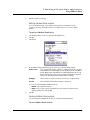
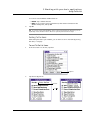
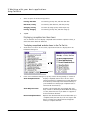
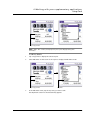
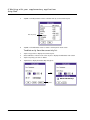
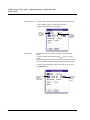
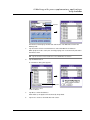
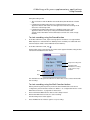
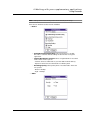
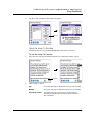
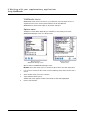
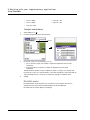
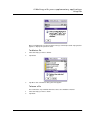
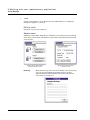
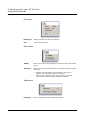
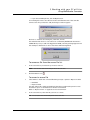
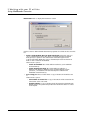
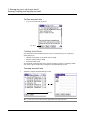
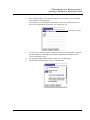
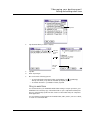
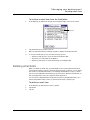
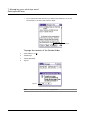
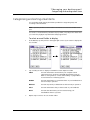
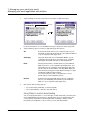
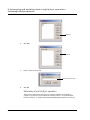
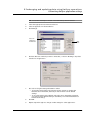
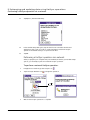
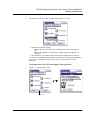
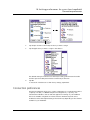
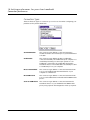
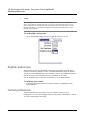
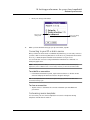
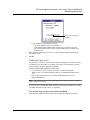
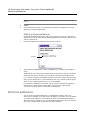
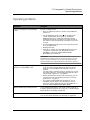
Choose from the following options on the confirmation dialog box that appears.
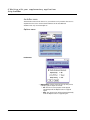
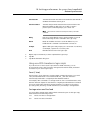
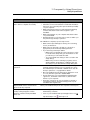
• Date Book: Select the Delete Events Older Than pick list and select an
option—1 week, 2 weeks, 3 weeks or 1 month.
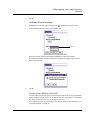
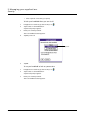
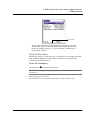
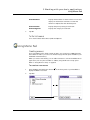
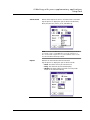
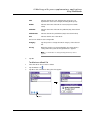
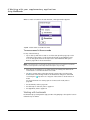
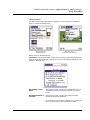
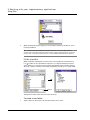
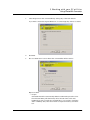
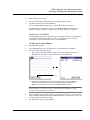
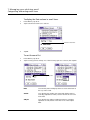
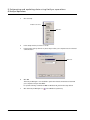
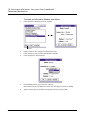
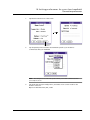
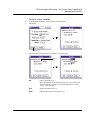
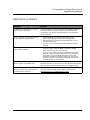
• Date Book or To Do List: Select Save Archive Copy on PC to save a copy of
purged records in an archive file on your computer the next time you perform
a HotSync operation. Tap OK.
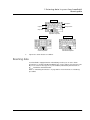
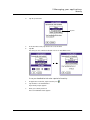
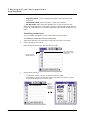
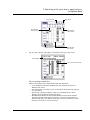
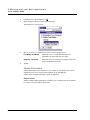
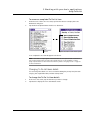
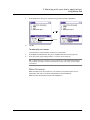
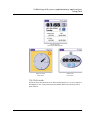
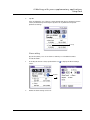
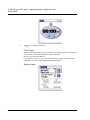
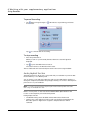
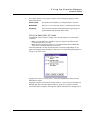
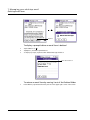
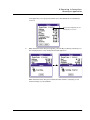
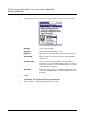
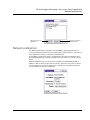
Select check box to archive
a copy of the purged file
to your computer.
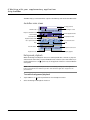
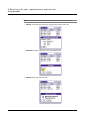
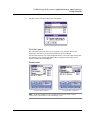
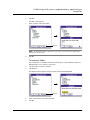
Tap here to purged completed items.
33