1
17.6. PROXY SETTINGS
121
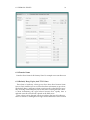
17.5.3.6 Expiry Check
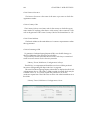
The Expiry Check directive observes expiration date when seeking files.
17.5.3.7 Minimum File Size
The Minimum File Size directive sets the minimum size in bytes of a file to
be cached.
17.5.3.8 Maximum File Size
The Maximum File Size directive sets the maximum size in bytes of a file to
be cached.
17.5.3.9 Garbage Collection Max Memory Usage
Maximum kilobytes of memory used for garbage collection.
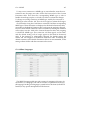
17.5.4 Memory Cache
17.5.4.1 Cache Size
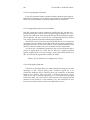
The Cache Size directive sets the desired space usage of the cache, in KBytes
(1024-byte units). If a new entry needs to be inserted in the cache and the size
of the entry is greater than the remaining size, older entries will be removed
until the new entry can be cached.
17.5.4.2 Maximum Object Count
The Maximum Object Count directive sets the maximum number of objects
to be cached. If a new entry needs to be inserted in the cache and the
maximum number of objects is reached, an entry will be removed to allow
the new entry be cached.
17.5.4.3 Minimum Object Size
The Minimum Object Size directive sets the minimum size in bytes of an
object to be cached.
17.5.4.3 Maximum Object Size
The Maximum Object Size directive sets the maximum size in bytes of an
object to be cached.
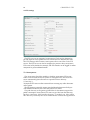
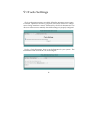
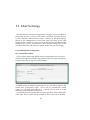
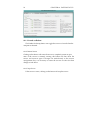
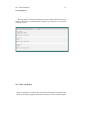
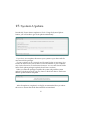
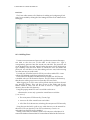
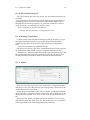
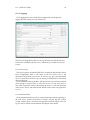
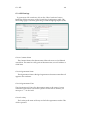
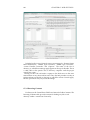
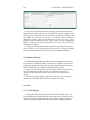
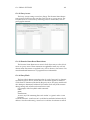
17.6 Proxy Settings
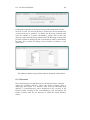
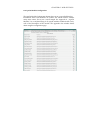
The Proxy Settings table contains some options that control the proxy capabilities of Apache. For more information on Apache and proxy service, see
the on-line Apache documentation.