1
32
CHAPTER 6. DNS
Authority values, please see section “Start of Authority" on page 33.
6.5.4 Authoritative Name Server and Hostmaster Values
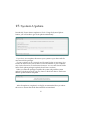
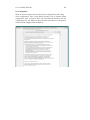
The authoritative Name Server value should contain the name of the
server that is the best source for the data contained within the zone. This field
usually corresponds to a Name Server host that was registered when you bought
your domain. The name should usually be a host name that resolves to the IP
address of your iTools server. For this field, be sure to place a trailing dot
at the end of the server name if it includes a domain name.
The Hostmaster value is an E-mail address for the person who should be
contacted in the event of a problem. Instead of “@" sign used in the normal
email address field, the sign should be replaced by a “.".
These values also maybe changed later by modifying the Start of Authority
table. For details on making these changes and for definitions of all of the Start
of Authority values, please see section 6.5.6 “Start of Authority" on page 33.
Select the Save button to submit the New Primary Zone information. The
new Primary Zone name will now be included (in alphabetical order) in
the table of Primary Zones in the DNS Settings page.
6.5.5 Configuring Entries for a Zone
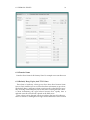
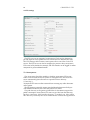
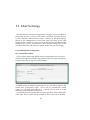
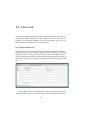
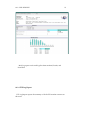
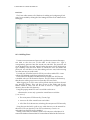
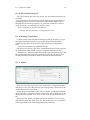
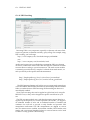
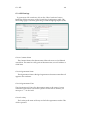
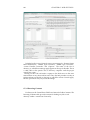
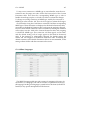
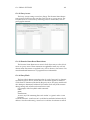
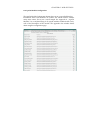
The primary DNS Settings page shows currently configured primary this
DNS server. To access the Primary Zone page to edit entries for a particular
zone, click on the Primary Zone name.
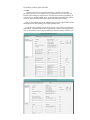
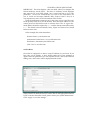
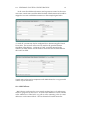
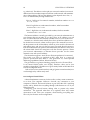
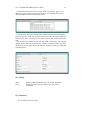
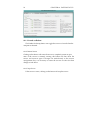
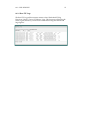
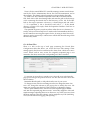
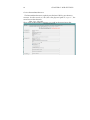
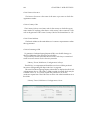
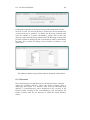
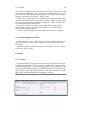
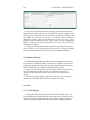
The Primary Zone page displays Host Names and aliases (sorted alphabetically) that are currently in this Zone. Each row of the zone table shows the Host
Name, its IP Addresses, Alias, Mail Exchangers, or Name Servers. To change
the information about an entry in the table, replace the text field with
DNS information specific to each row.
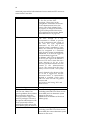
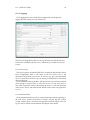
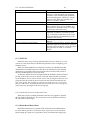
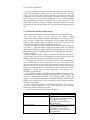
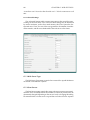
Primary Zones will have DNS records of a number of types:
• Start of Authority (SOA records)
• Name Server (NS records)
• A Host Name to IP Address mapping (A records)
• An Alias of a Host Name record (CNAME records)
• An IP Address to Name mapping (PTR records)
• Mail Exchanger (MX records)
• SPF: Sender Policy Framework (TXT records)
Any host names records entered that do not end in a period “." will have the
zone name automatically appended on to them when the record is requested.
This is to make the set up of a zone faster, but an administrator must remember