1
REPORTS SCREEN
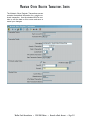
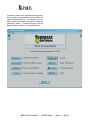
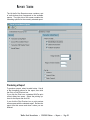
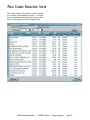
The left half of the Reports screen contains a set
of radio buttons that correspond to the available
reports. The right side of the screen contains the
formatting options for the currently selected report.
Producing a Report
To produce a report, select its radio button. Set all
of the formatting options for the report, then click
the Print or Print Preview icon.
If you click the Print icon, a standard WinTen print
control dialog box opens. Select the printing options for the report and click OK.
If you click the Print Preview icon, a print preview
screen opens with the selected report. Review the
report from this screen and close it when you are
finished.
WinTen Check Reconciliation • 2/24/2003 Edition • Reports • Page 8.3