1
Getting started
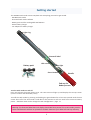
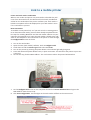
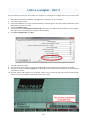
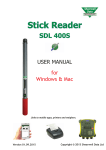
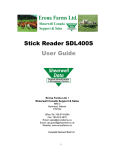
The SDL400S s ck reader comes complete with everything you need to get started.
- SDL400S s ck reader
- Shearwell s ck reader so ware
- Ba ery pack and four rechargeable AA ba eries
- Mains ba ery charger
- Car adapter for ba ery charger
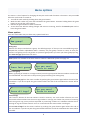
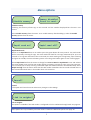
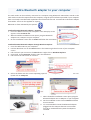
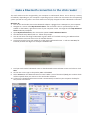
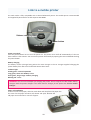
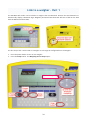
Light ring
Shearwell label
LCD screen
Ba ery pack
Blue light
Green bu on
Handle
End cap for
ba ery access
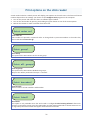
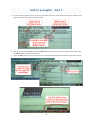
Turn the s ck reader on and off
Press and release the green bu on once. The LCD screen will light up and display the start-up screen
(version number and the ba ery level).
Turn off the s ck reader by pressing and holding the green bu on for at least two seconds un l the LCD
screen shuts off. If the s ck reader is le idle for five minutes it will turn itself off to conserve ba ery
power. Shutdown me can be changed in S ck Configura on - page 17.
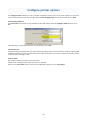
Warning: The Shearwell label above the display should NOT be removed! The serial number, product
codes and Bluetooth address are printed on the back. Removal of the label will void any warranty.
3