1
user_guide.book Page 92 Friday, January 30, 2004 11:35 AM
3
Getting Started
Advanced Channel Configuration
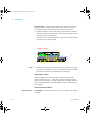
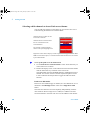
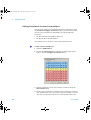
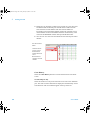
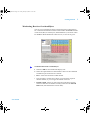
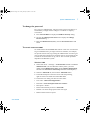
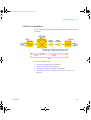
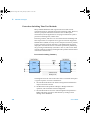
The advanced channel configuration window allows you to quickly set
up the desired transmitter or receiver, channel configuration.
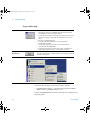
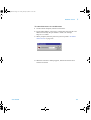
For fast channel setup
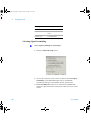
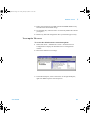
1 Select the Channels Setup tab.
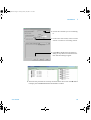
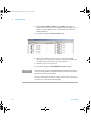
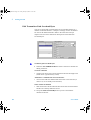
2 Click on Advanced button to display the Advanced Channel
Configuration dialog.
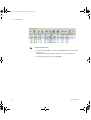
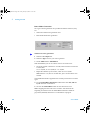
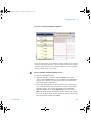
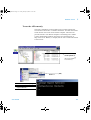
3 Use the channel buttons (1, 3, 6, 9, 12, 24 and 48) to set your channel
configuration, or type in your selection using the controller
keyboard. Or use a combination of both keyboard and buttons.
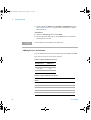
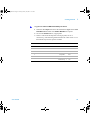
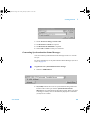
4 If your system has option 010 fitted and you have selected VT/TU
operation a VT/TU Preview Text dialog window is displayed
enabling you to select VT/TU types.
92
User Guide