1
Cyclone for ARM® devices
6
STAND-ALONE PROGRAMMER MANUAL CONTROL
The Cyclone for ARM devices must be configured before it may serve as a
Stand-Alone Programmer for ARM targets. The user may manually control the
Cyclone for ARM devices: via the buttons/LEDs, LCD menu, or via PC
software. The target power management schemes remain the same for each
control method.
6.1
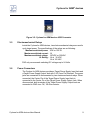
Operation Via Cyclone for ARM devices Buttons
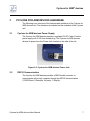
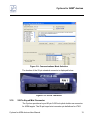
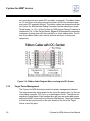
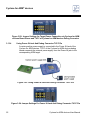
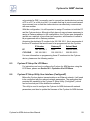
There are five (5) buttons on the top of the Cyclone for ARM devices which
are used for stand-alone programming and to navigate the LCD menus. They
are specified as follows.
Button
Function
START /
Start executing the tasks pre-configured into the
Cyclone for ARM devices.
Menu Mode: Navigate upwards in LCD menu.
AUX /
Perform auxiliary function (stand-alone verification).
Menu Mode: Navigate downwards in LCD menu.
MENU / [SELECT]
Toggles ON/OFF the Target Board Power.
Menu Mode: Select highlighted item in LCD menu.
CANCEL
RESET
6.1.1
Cancel the tasks being executed and go back to the
idle state.
Hardware reset of the Cyclone for ARM devices.
Cyclone for ARM devices LED Indicators
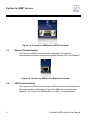
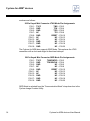
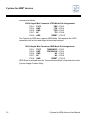
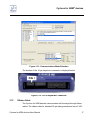
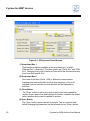
The Cyclone for ARM devices has four (4) LEDs to indicate the current
operation stage.
LED
FUNCTION
Power
Idle
Indicates that the target board power is connected.
The Cyclone for ARM devices is waiting for
instructions.
The Cyclone for ARM devices failed to execute the
functions as instructed.
The Cyclone for ARM devices executed the functions
successfully.
Error
Success
Cyclone for ARM devices User Manual
45