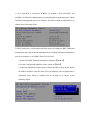
1
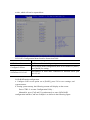
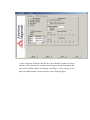
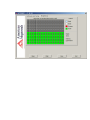
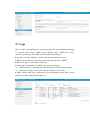
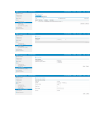
Click the System Abstract button, to return to the System Abstract page. Click the Refresh button, to refresh the page. Click the Language button, to shift language, which supports Chinese and English. Click the Help button to query help information on corresponding page. Click the Logout button, to return to login page. ● There’s a navigation tree on the left, via nodes on the tree, you could select different functional interfaces. Functions able to be realized via Web interface include: Viewing the overall situation, viewing system information, remote control, power management, event and log query, real-time monitoring, diagnosis and orientation, system maintenance, and system configuration etc. For detailed introduction on all functions, please refer to the following chapters. ● Specific operation interface is on the right of the interface. 4.3.3 Overall Situation Click System Abstract, to open the “System Abstract” interface, as shown in the following figure.