1
MRS Software 4.1.3: MR Cube module
9.1.3 Memory
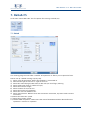
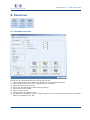
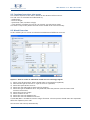
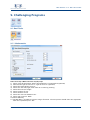
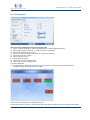
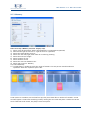
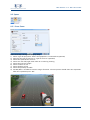
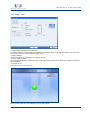
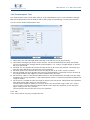
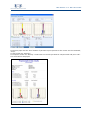
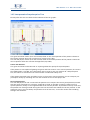
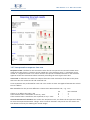
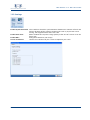
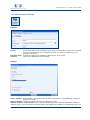
How to set up a Memory exercise step by step:
1) Select “type of equipment” where the equipment is connected to (optional)
2) Describe the type of exercise in “type of exercise” (optional)
3) Select the speed of the exercise
4) Select one side left/right, both sides or no side leg training
5) Select the exercise weight
6) Select number of sets
7) Select duration of set
8) Select the rest time between sets
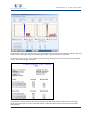
9) Select your exercise: Memory
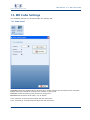
10) Select difficulty
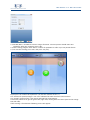
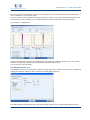
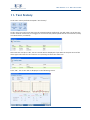
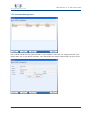
11) Set Min/Max is needed to scale the range of motion. The test person should make one
repetition. After this repetition press “OK”
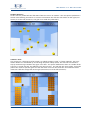
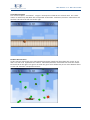
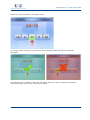
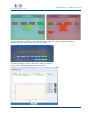
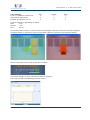
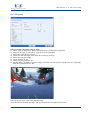
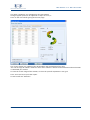
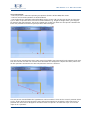
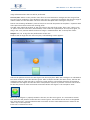
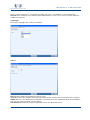
Cards (colors or numbers) are laid out face up, they turn black after a number of seconds. A new
card will appear. Choose the matching card by moving the new card and place it under the correct
card. If the two cards match, the player scores one point.
56
© 2010 Monitored Rehab Systems