1
DaProSystems’ Mobile System User’s Manual
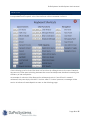
QUICK ACTION BUTTONS
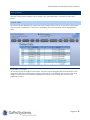
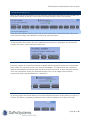
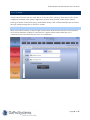
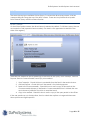
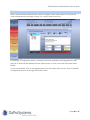
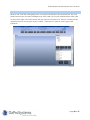
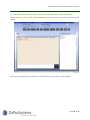
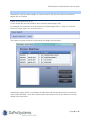
Along the top of the screen there are a series of “quick actions” buttons. These buttons will
always be at the top of the screen no matter what screen the user is on. These buttons are the
functions that mobile users will use most often.
For example, adding a comment to a current call is a common function; therefore, there is a
quick action button that allows comments to be added immediately. The quick action buttons
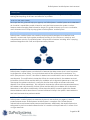
can be separated into two groups: general quick actions and CAD-specific quick actions.
GENER AL QUICK ACTIONS
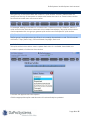
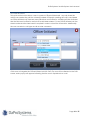
The first group is available when the officer is not currently dispatched to a call. This list includes
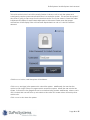
Unit Status, T-Stop (Traffic Stop), Officer Initiated, Day/Night, and Lock.
UNIT STA TUS
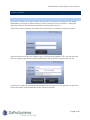
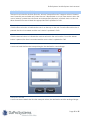
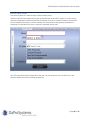
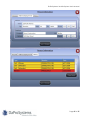
This quick action button allows users to update their status i.e. Available, Unavailable, etc.
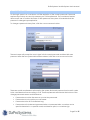
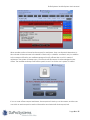
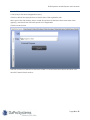
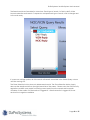
In order to update, click the UNIT STATUS button.
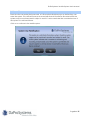
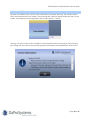
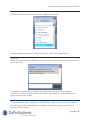
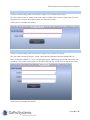
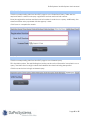
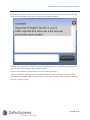
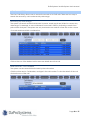
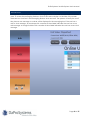
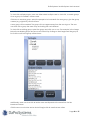
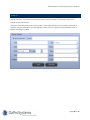
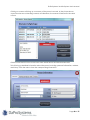
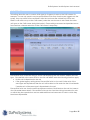
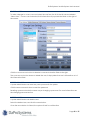
A window will appear with status options.
Click the appropriate option and the status will automatically be updated.
Page 12 of 57