1
DaProSystems’ Mobile System User’s Manual
MULTIPLE PERSONS CHAT
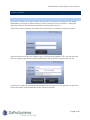
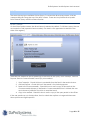
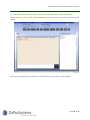
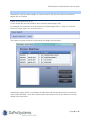
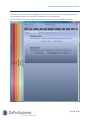
To chat with multiple people, users can either select multiple users to chat with, or create groups.
Once a group is created it will be saved.
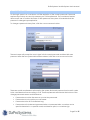
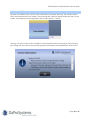
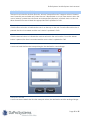
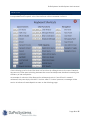
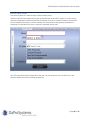
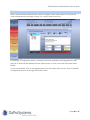
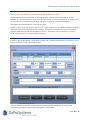
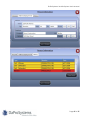
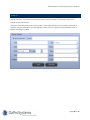
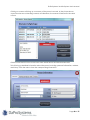
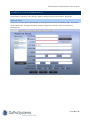
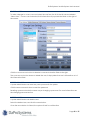
Click New to create a group, select the people to be included in the new group, give the group
a name (e.g. night shift), and click Save.
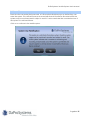
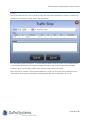
A new group will be created. The group will now appear every time the user logs on. The user
can chat with a group the same way as chatting with an individual.
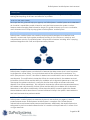
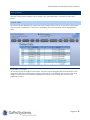
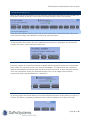
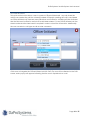
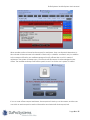
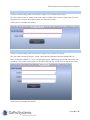
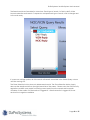
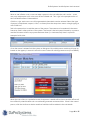
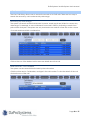
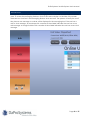
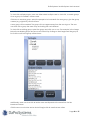
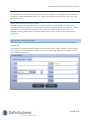
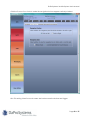
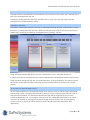
To chat with an existing group, select the group and click GROUP CHAT. For example, in the image
below the available groups are Zone A and Zone B. By clicking on the triangle next the group a
list of all the units in the group will be shown.
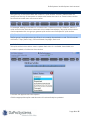
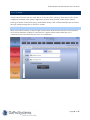
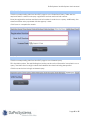
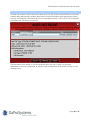
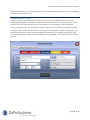
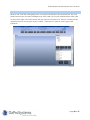
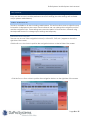
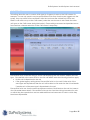
Additionally, users can chat with all online users and dispatch at the same time via the
broadcast feature.
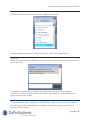
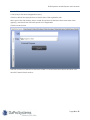
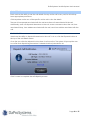
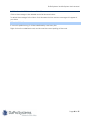
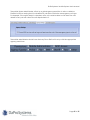
Click the BROADCAST button and a chat will begin with all users that are online.
Page 42 of 57