1
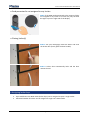
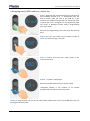
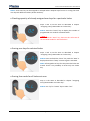
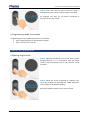
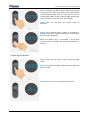
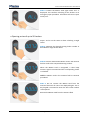
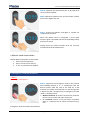
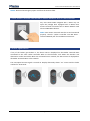
Locker Controller ELS NET Basic User Manual STEP 3: Compose the desired locker number by pressing the 'up' key to increase or the 'down' key to decrease the currently flashing digit. Use the 'enter' key to move to another digit. When you get to the last digit, pressing the 'enter' key will return the focus to the first digit. NOTE: “Esc” key will abort the master mode of operation. STEP 4: When desired locker number to be opened is displayed, present the Master Card again to the antenna field to confirm unlocking. When the Master Card is recognized, a short beep acoustic signal is activated and corresponding locker is opened. Opening all Lockers Steps 1 and 2 are the same as when unlocking single locker. STEP 3: Compose the number '9999' and leave rightmost digit 9 to flash. STEP 4: Press the 'up' key and display shows “ALL”. Page 10