1
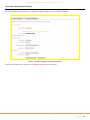
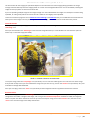
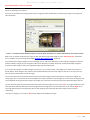
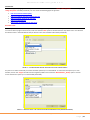
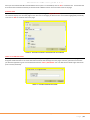
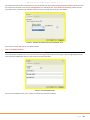
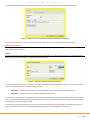
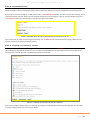
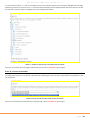
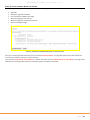
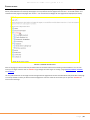
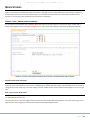
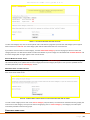
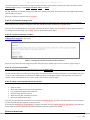
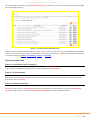
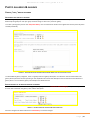
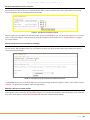
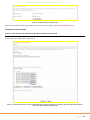
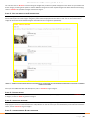
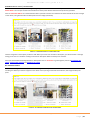
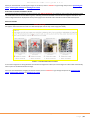
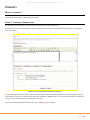
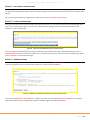
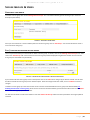
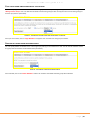
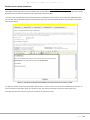
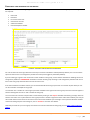
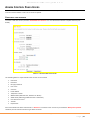
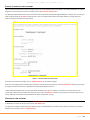
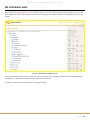
E4education CMS user guide 3.2.4 COPY USERS FROM ONE SECURE GROUP TO ANOTHER You can easily copy all of the members from one secure group to another by selecting the ‘Copy Users’ tab after clicking on the ‘Manage Secure Groups’ icon. You will then be asked to choose the group you wish to copy the users from and the group you want to copy them to (see below). FIGURE 66 – COPYING USER ACCOUNTS FROM ONE SECURE GROUP TO ANOTHER Once you have chosen, click on ‘Copy Members’ to copy the user accounts from one group to another. DELETING ALL USERS FROM A SECURE GROUP You can quickly delete all members from a secure group by clicking on the ‘Delete Users’ tab. You will then be asked to choose the group that all members will be deleted from (see below). FIGURE 67 – DELETEING ALL USERS FROM A SECURE GROUP Once selected, click on the ‘Delete Members’ button. All members associated with that group will be deleted. E4education CMS user guide 3.2.4 P a g e | 50