1
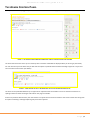
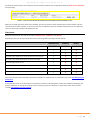
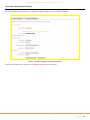
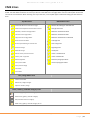
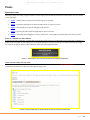
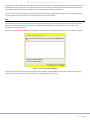
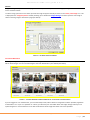
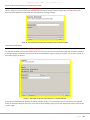
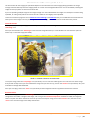
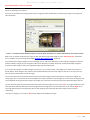
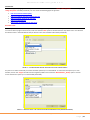
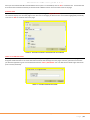
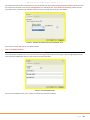
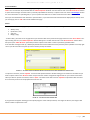
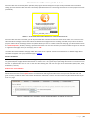
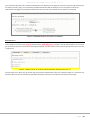
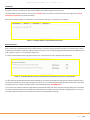
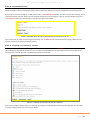
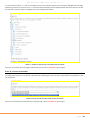
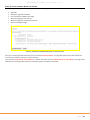
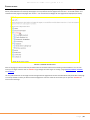
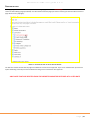
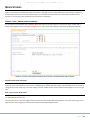
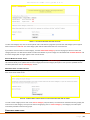
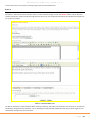
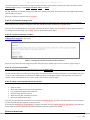
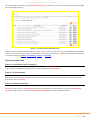
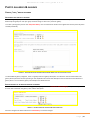
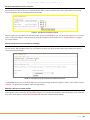
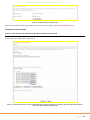
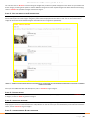
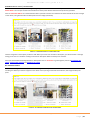
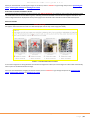
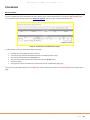
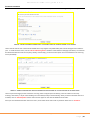
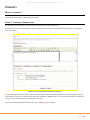
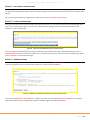
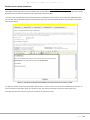
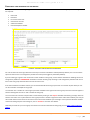
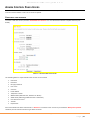
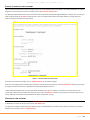
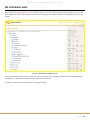
E4education CMS user guide 3.2.4 THE ADMIN CONTROL PANEL Once you have successfully logged in you will be taken to the Control Panel homepage (see below). FIGURE 3 – THE CONTROL PANEL HOMEPAGE SHOWING ANY ITEMS OF CONTENT WAITING TO BE REVIEWED The items that have been sent to you to review by other members of staff will be displayed when you first log in (see above). For each item that you have been sent you will have the option to preview that item before deciding to approve or reject and return the item to the creator (see below). FIGURE 4 – ITEMS WAITING FOR YOU TO REVIEW BEFORE THEY GO LIVE OR REMOVED FROM THE SITE The items can be previewed before they are approved or rejected so that the reviewer can ensure that the content has no spelling mistakes and that the images and video on the page are suitable. If there are problems with the item, then the reviewer can reject the item and send it back to the creator of that item along with the option of sending a message explaining why it has been rejected. E4education CMS user guide 3.2.4 P a g e | 8