1
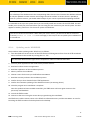
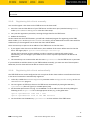
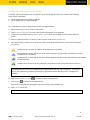
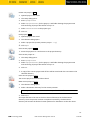
1. Create a template profile with keys and values.
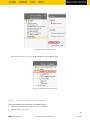
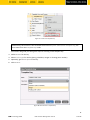
2. Click on System→New→New Value Group in order to create a new value group.
3. Enter a name and description for the group.
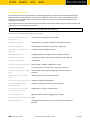
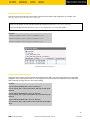
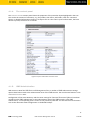
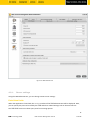
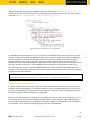
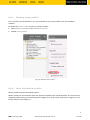
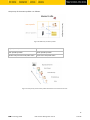
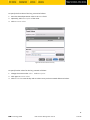
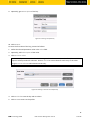
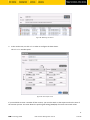
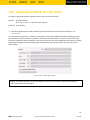
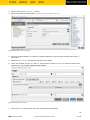
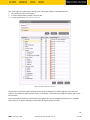
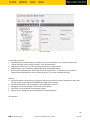
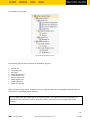
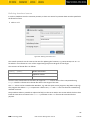
4. Select the valid values from each key, multiple selections are possible.
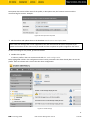
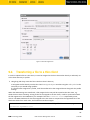
Figure 58: Selecting key values
5. Confirm your settings by clicking on OK.
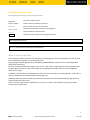
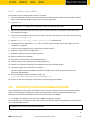
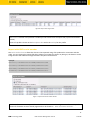
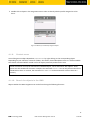
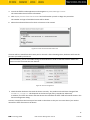
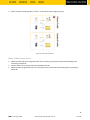
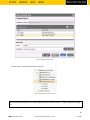
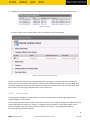
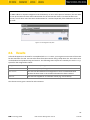
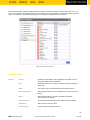
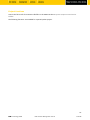
6. Create further groups.
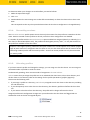
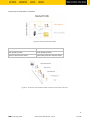
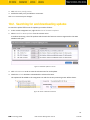
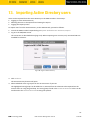
Figure 59: One value group per country
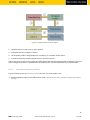
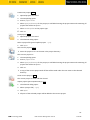
7. Assign the template profile to all thin clients.
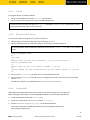
8. Assign the appropriate group in each case to the devices.
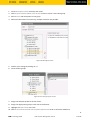
9. Highlight the Thin Clients tree node.
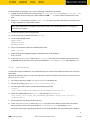
10. Click on Thin Clients→Check the Template Definitions in order to check the definitions.
92
IGEL Technology GmbH
IGEL Universal Management Suite v4
4.09.100