1
Examples
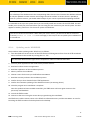
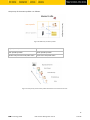
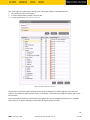
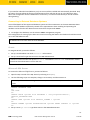
First example:
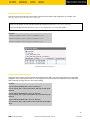
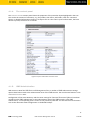
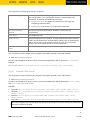
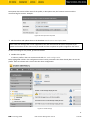
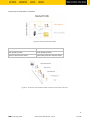
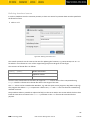
Assigning a thin client to a directory on the basis of device data
A thin client satisfies this rule if it is a UD3 device with a
firmware version higher than 4.0 and the IP address comes
from the 10.201.0.x range.
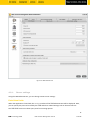
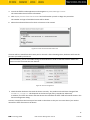
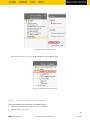
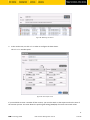
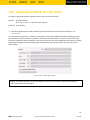
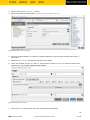
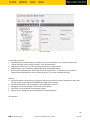
Figure 19: Change default directory rule
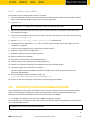
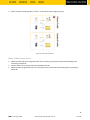
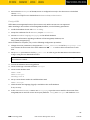
Second example:
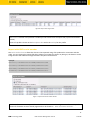
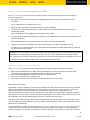
Assigning a thin client to a directory on the basis of network
masks
If a thin client is registered in the IGEL UMS, it is moved to a
folder which is determined on the basis of the Network Mask
criterion. If the relevant folder does not exist, it will be created.
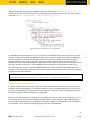
Because this rule always applies, it is not a good idea to define
a further rule. Only the first rule will be effective. If the
network mask rule sorts all thin clients into directories, no
further rule is active. The relevant folder is determined
through this operation:
Folder = IP address AND network mask
49
IGEL Technology GmbH
IGEL Universal Management Suite v4
4.09.100