1
Tutorial Lathe 2 - Machining the Part
143
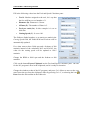
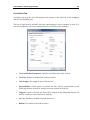
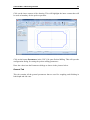
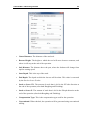
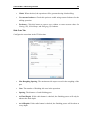
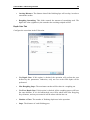
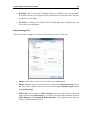
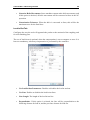
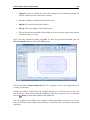
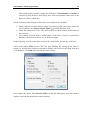
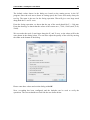
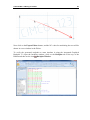
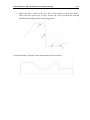
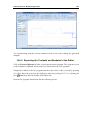
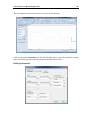
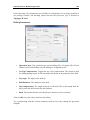
Try experimenting with the various parameters and see how they change the generated
toolpath.
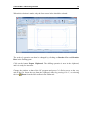
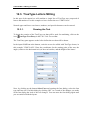
14.6.3. Exporting the Toolpath and Backplot in the Editor
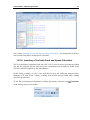
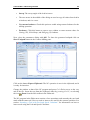
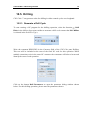
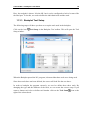
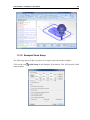
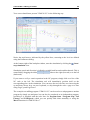
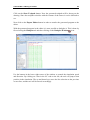
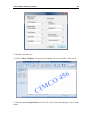
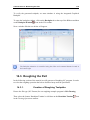
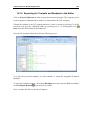
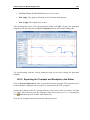
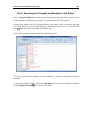
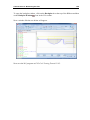
Click on Export Clipboard in order to generate the actual program. The program is now
in the computer's clipboard and is ready to be inserted into the CNC program.
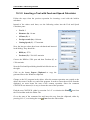
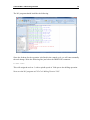
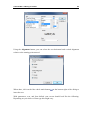
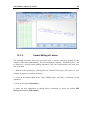
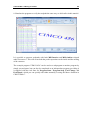
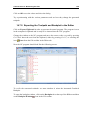
Change the window to the NC program and move the cursor to the very end by pressing
Ctrl+End. Insert the text from the clipboard, either by pressing Ctrl+V, or selecting the
icon Paste from the Edit toolbar in the Editor tab.
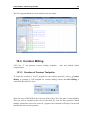
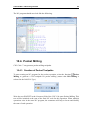
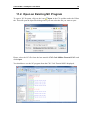
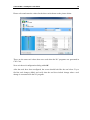
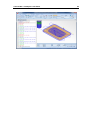
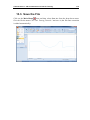
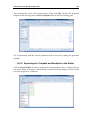
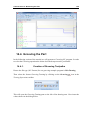
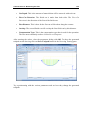
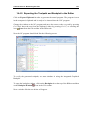
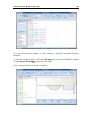
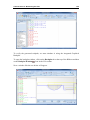
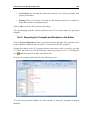
Now the NC program should look like the following screen.