1
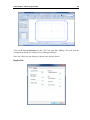
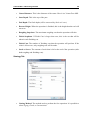
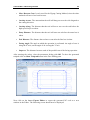
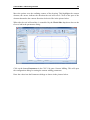
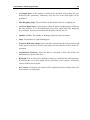
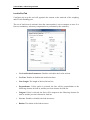
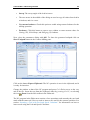
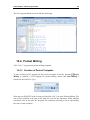
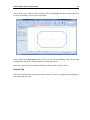
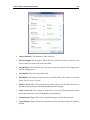
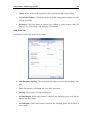
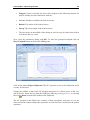
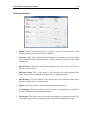
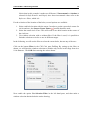
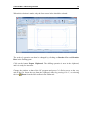
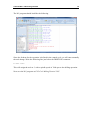
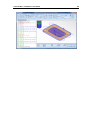
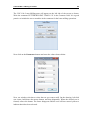
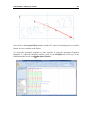
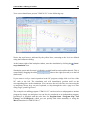
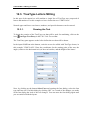
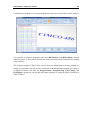
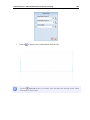
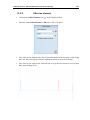
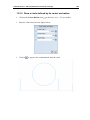
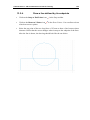
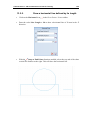
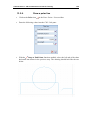
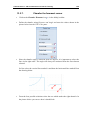
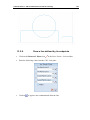
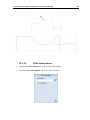
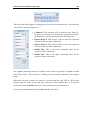
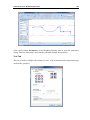
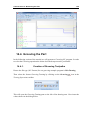
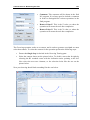
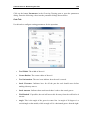
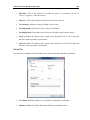
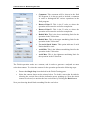
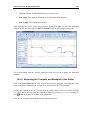
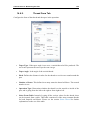
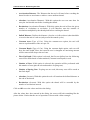
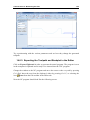
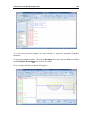
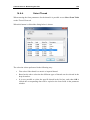
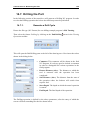
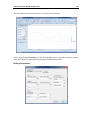
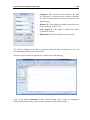
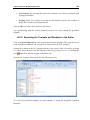
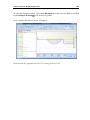
Tutorial Lathe 2 - Machining the Part 146 14.7. Drilling the Part In the following section of the tutorial we will generate a Drilling NC program. In order to select the Drilling operation the below described steps must be performed. 14.7.1. Generate a Drill Cycle Ensure the file type (NC Format) for our drilling example program is ISO Turning. Then select the feature Drilling by clicking on the End Drilling Operations toolbar. icon in the Turning This will open the End Drilling pane to the left of the drawing area. Now insert the values shown in the dialog below. Comment: This comment will be shown in the final NC Program. It is always good to include a comment in order to distinguish the various operations in the final program. Retract Distance (Abs.): The distance to which the tool is retracted after the operation has been completed. Safe Distance (Abs.): The distance from the start of the operation where the feedrate will switch from rapid to feed. Start Depth: The depth at which the actual operation is started. End Depth: The final depth of the operation. The Drilling operation is defined by the above parameters, after the entry of which the screen will look something like the one shown below.