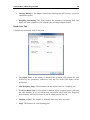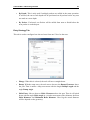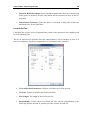
1
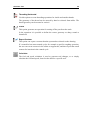
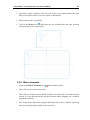
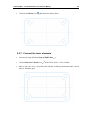
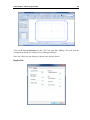
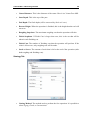
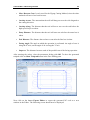
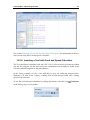
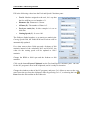
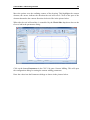
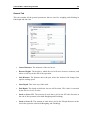
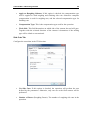
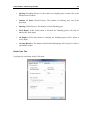
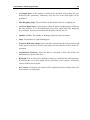
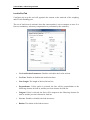
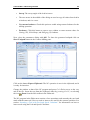
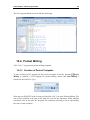
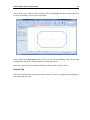
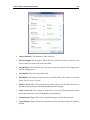
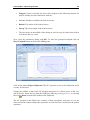
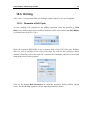
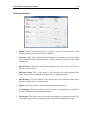
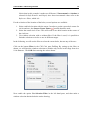
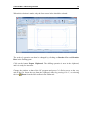
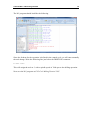
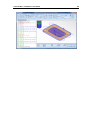
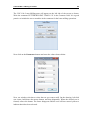
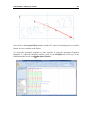
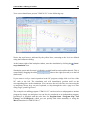
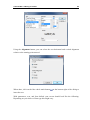
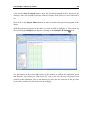
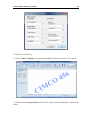
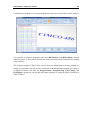
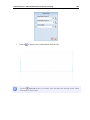
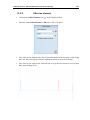
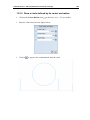
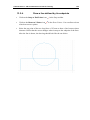
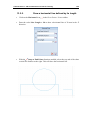
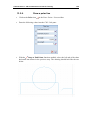
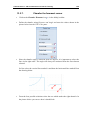
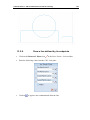
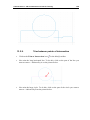
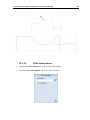
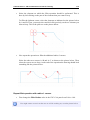
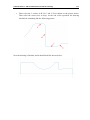
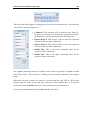
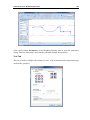
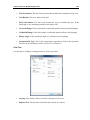
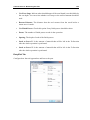
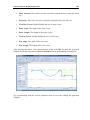
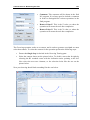
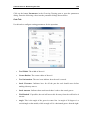
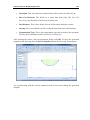
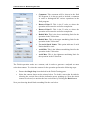
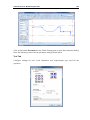
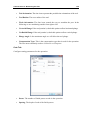
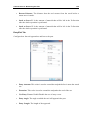
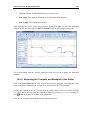
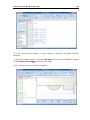
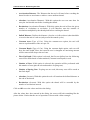
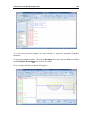
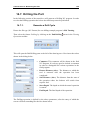
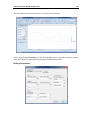
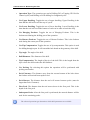
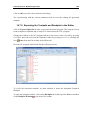
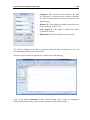
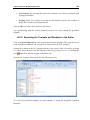
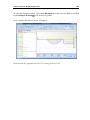
Tutorial Lathe 2 - Machining the Part 120 This will open the Roughing Turning pane to the left of the drawing area. Now insert the values shown in the dialog below. Comment: This comment will be shown in the final NCProgram. It is always good to include a comment in order to distinguish the various operations in the final program. Retract Point Z: This is the Z value to where the operation will retract the tool after completion. Retract Point X: This is the X value to where the operation will retract the tool after completion. Radial Min: This is the lower machining limit for the operation in the X direction. Radial Max: This is the upper machining limit for the operation in the X direction. The roughing operation works on a contour, and in order to generate a toolpath we must select that contour. This is done by clicking on the contour as indicated in the picture below. When the selection is made the contour is selected until the end. This is OK for this operation but we really do not want any work done on the leftmost face, so in order to exclude this click the Back button once. This will deselect the leftmost face. Now your drawing should look something like the one below.