1
9.
10.
11.
12.
13.
14.
15.
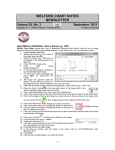
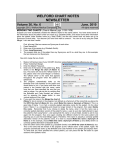
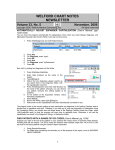
Choose Kelly Erickson as the name of the patient. (You can simply press the Use it button
because this was the last name you used). This automatically inserts Kelly Erickson's e-mail
address from the Name Editor in the Recipients box, and her name in the About Patient box.
Type in the Subject of your e-mail.
Press Import. This automatically brings the contents of the Writer into the Body of your e-mail. It is
not necessary to go through the Writer to compose your e-mail. You can simply type text into the
Body instead.
If you wanted to send this e-mail to other parties, you can add their names to the Recipients box.
For example, if you press the Referring Providers button, you can select the name of a Provider
listed in the Referrals database, and the program will automatically insert the e-mail of that Provider
into the Recipients box (assuming that you have previously stored that Referring Provider's E-Mail
address in the Referrals Database).
Note also that if you wanted to attach any files to this e-mail, you can press the Browse button to
select one or more files to place into the Attachments box, or type the name of the file into that
box.
You can press the Jump button to move to other locations in Welford Chart Notes while
composing your e-mail.
Press the Send button to send the e-mail to each of the Recipients.
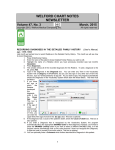
RETRIEVING AND REVIEWING E-MAIL
If you have Microsoft Outlook installed on your computer, you can retrieve your incoming e-mail, review it in
Welford Chart Notes, and write responses, all without leaving Welford Chart Notes. Let's see how to do
this.
1.
2.
3.
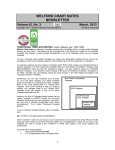
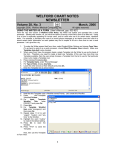
Press Write\Outlook E-mail\Review.
The program defaults to showing all e-mails that were sent and received today, but it does not
automatically retrieve any pending e-mails from Microsoft Outlook. You can sort the display by any
of its columns in ascending or descending order by pressing your right mouse button at the top of
the column.
Press Receive to retrieve any unread e-mails from your Microsoft Outlook inbox.
14