1
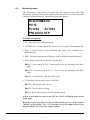
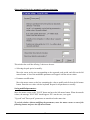
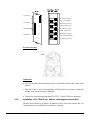
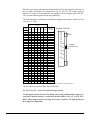
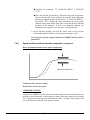
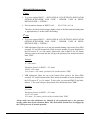
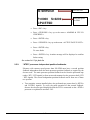
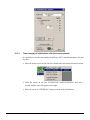
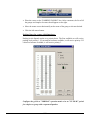
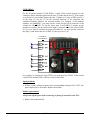
It is possible to decide how many parking floors there will be.
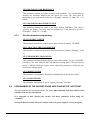
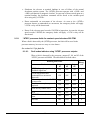
Selecting an operation mode:
Move the mouse cursor on the white circle at the left of the operation mode to
modify, and click the left mouse button. In the example above, the "NORMAL" mode
is selected.
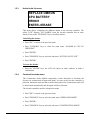
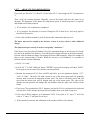
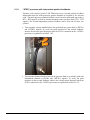
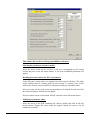
Changing the number of parked cars:
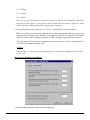
Move the mouse cursor on either arrow in the "PARKED CARS" section. Each time
you click the left mouse button, the number will go up or down.
If the number goes down, elevators will disappear from the vertical columns.
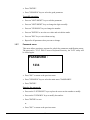
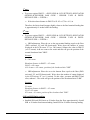
In the example shown above, the priority 1 elevator will park at the 5th floor, and a
second one will park at the 9th floor in priority 2. The third one will park at the 13th
floor in priority 3. If you have nothing, the car will remain at the same floor where
it answered its last call (floating car).
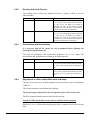
Changing parking levels:
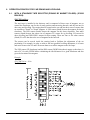
Move the mouse cursor over the up or down arrows located under the corresponding
priority vertical bar.
Each time you click the left mouse button, the cursor representing the elevator will
either go up or down accordingly. Adjust until you reach the right parking level.
Repeat for the other priorities.
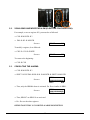
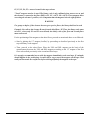
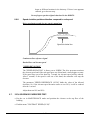
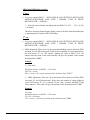
To transfer the parking floors in the dispatcher:
Move the mouse cursor on the "SAVE" button and click on the left mouse button.
The "SUCCESS" message should appear. If not, save again.
12-25