Download Fundraising Script
Transcript
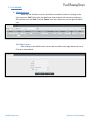
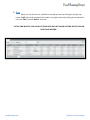
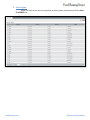
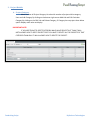
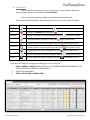
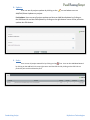
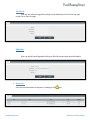
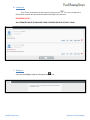
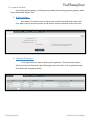
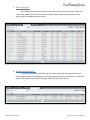
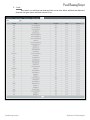
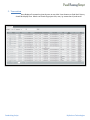
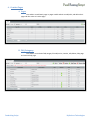
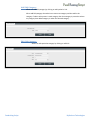
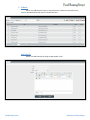
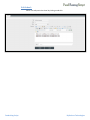
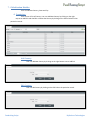
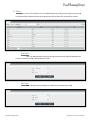
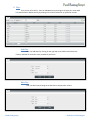
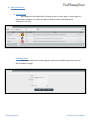
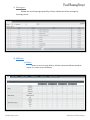
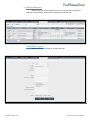
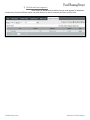
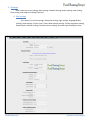
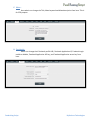
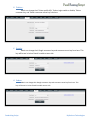
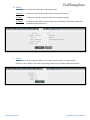
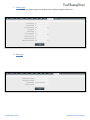
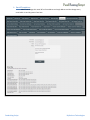
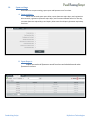
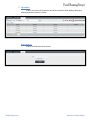
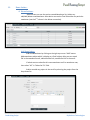
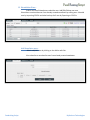
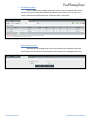
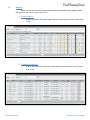
B. Project List:User can see all list of project which is posted by user or administrator. Whenever User post a new project it will by default is Inactive Mode. User can add new project by clicking on the Add Project link also can do Active/Inactive/Delete Operation by checking the Left box near to the Project Title name. NAME ICON ACTIVE INACTIVE Description If project is Active than it will show . if project is Inactive then it will show UPDATES Project all updates can see by clicking on the icon EDIT Edit project details by clicking on the icon PERK Project all Perks can see by clicking on the icon DONATION GALLERY COMMENTS WIDGET on particular record. on particular record. Project donations can see by clicking on the icon Project gallery can see by clicking on the icon Project comments can see by clicking on the icon Project widgets can see by clicking on the icon on particular record. on particular record. on particular record. on particular record. on particular record. If you want to change icon images than take login from FTP and go to i. ROOT-> ADMIN –> IMAGES PLEASE KEEP ALL THE ICON NAME SAME AND OVERWRITE IT SO YOU DON’T NEED TO CHANGE IN VIEW FOLDER ii. VIEW FOLDER AVAILABLE iii. ROOT->APPLICATION->ADMIN->VIEW Fundraising Script By Rockers Technologies